We are building a new experience for our SmartBear Community.
This site is now read-only. You can still browse and search as usual. Learn More
This site is now read-only. You can still browse and search as usual. Learn More

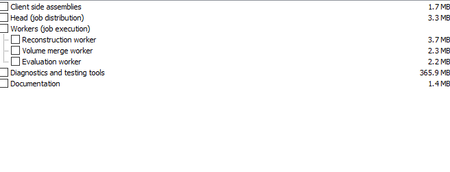

For the checkboxes: maybe MSAA? but even then, most likely would recognize the text values not the radio boxes: http://support.smartbear.com/testcomplete/docs/testing-with/object-identification/msaa/index.html
See if enabling support for * in MSAA of (tools-currentprojectproperties-openapplications-msaa) helps the object spy see the individual texts.
For launching powershell: https://support.smartbear.com/testcomplete/docs/reference/program-objects/wshshell/index.html

Hi,
> if we can launch powershell script in administration mode from TestComplete?
Yes, like from any command-line tool. "-verb RunAs" parameter is the key. For example: https://stackoverflow.com/questions/45813787/execute-powershell-script-with-administrator-privileges-on-windows-2012-r2-witho

 Alumni
Justin, Alex, thank you!
komalak11 Did the suggestions help? Please mark the best one as a solution!

After adding MSAA * and starting the testcomplete in Admin mode solves my problem