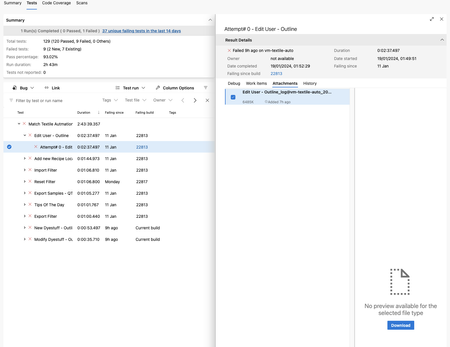
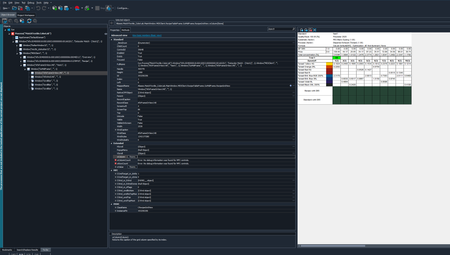
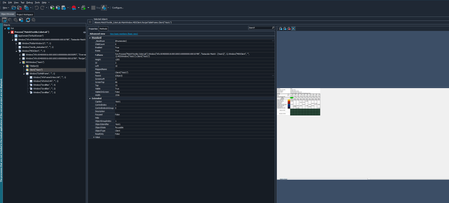
ContributionsMost RecentMost LikesSolutionsRe: Empty .mht file from Pipeline run Thank You, setting edge properly helped. Empty .mht file from Pipeline run Hello, I we set up Azure devops pipeline to run Testcomplete test according to the documentation: https://support.smartbear.com/testcomplete/docs/working-with/integration/azure/test-adapter/index.html Test are running, but the problem is, when test fails, then on pipeline there is attachement with log for test in .mht format to download, but when I download it and open, the file seems to be empty. I read somwhere to unlock the file on windows after download, but this not helped. Can anyone help with this ? Below attached example .mht file from pipeline Re: OCR service failed to process the document it started to work for me just now Re: OCR service failed to process the document Same Here, OCR service still not working Re: Rouge Wave Controls - missing debug info I've done everything ( Mark that * within MSAA, add those two clases to the object mapping properties ) and still got this error, I'm assuming for it to work, the application need to be recompiled with those debug info ? Re: Rouge Wave Controls - missing debug info Hello rraghvani, I've got info that those grids are Custom Controls from Rouge Wave I've added that WndClass to MSAA but I can see only Two more elements Called "TileBar" and "Client" Rouge Wave Controls - missing debug info Hello I'm Automating Application for client, and got info that there are Rogue Wave Grids inside. I'm have problem accessing them.. Object Browser shows method that interest me ( wColum,wValue,wColumCount,wRowCount ), but cannot use them as it states, that Error: No debug information was found for MFC controls. : In the Object seen above the screen there is class CRecipeGridView wchich I added to the object mapping options for project. Can someone help me understand what I'm missing here, and give an advice of how to access this control ? Thank You in Advance Solved