We are building a new experience for our SmartBear Community.
This site is now read-only. You can still browse and search as usual. Learn More
This site is now read-only. You can still browse and search as usual. Learn More


There are lots of possible answers to your question that we have found for you. Have you tried any of them?
As tristaanogre and I have continued to explain, there may not be a ClickItem option for your object. This means you will have to change your test. Arguing with us about it will get you nowhere.
Here's the link to Support. You can ask them your question directly.
https://support.smartbear.com/message/?prod=TestComplete

Marsha_Rmany thanks for your reply,
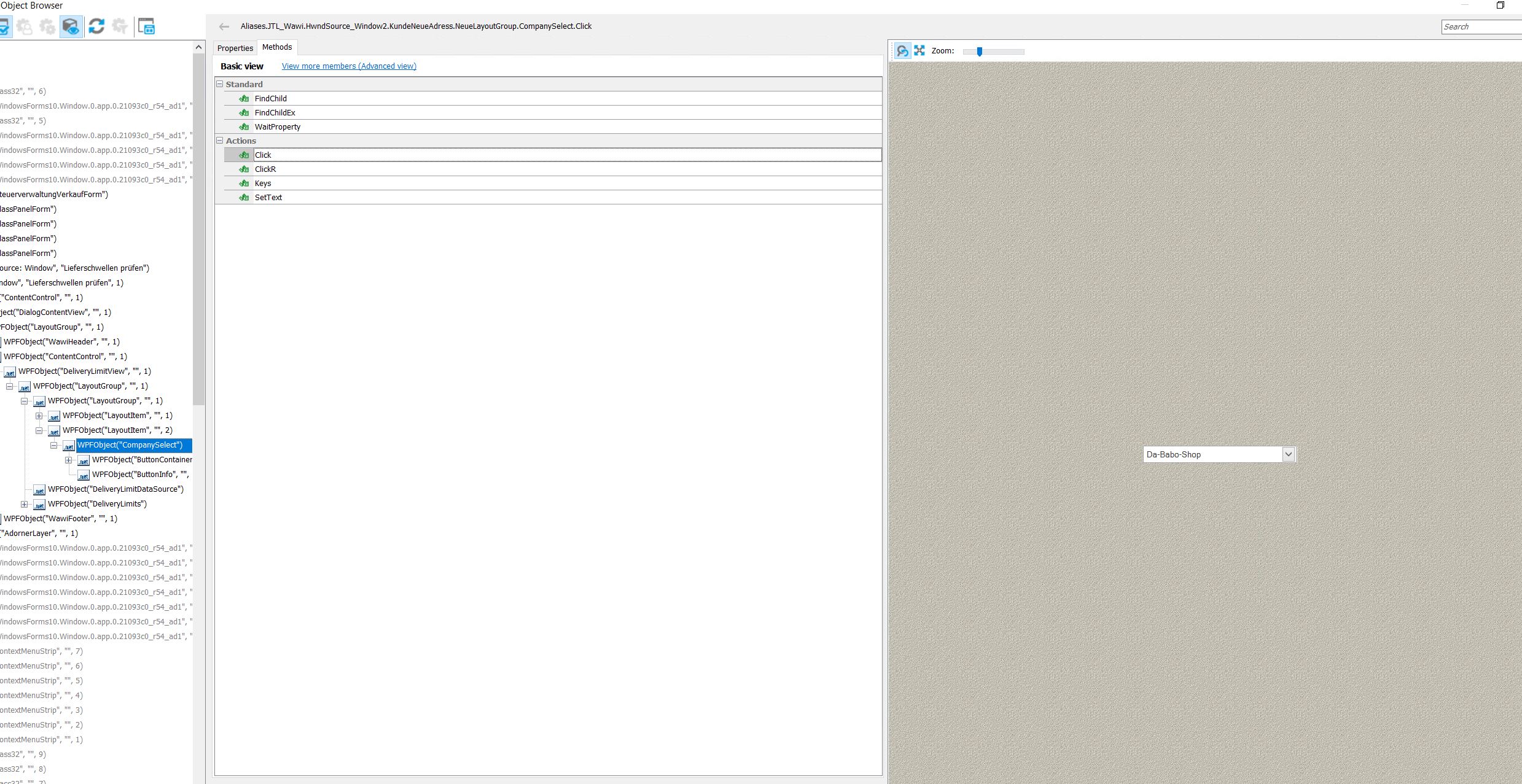
but there is no ClickItem method on my Combobox.
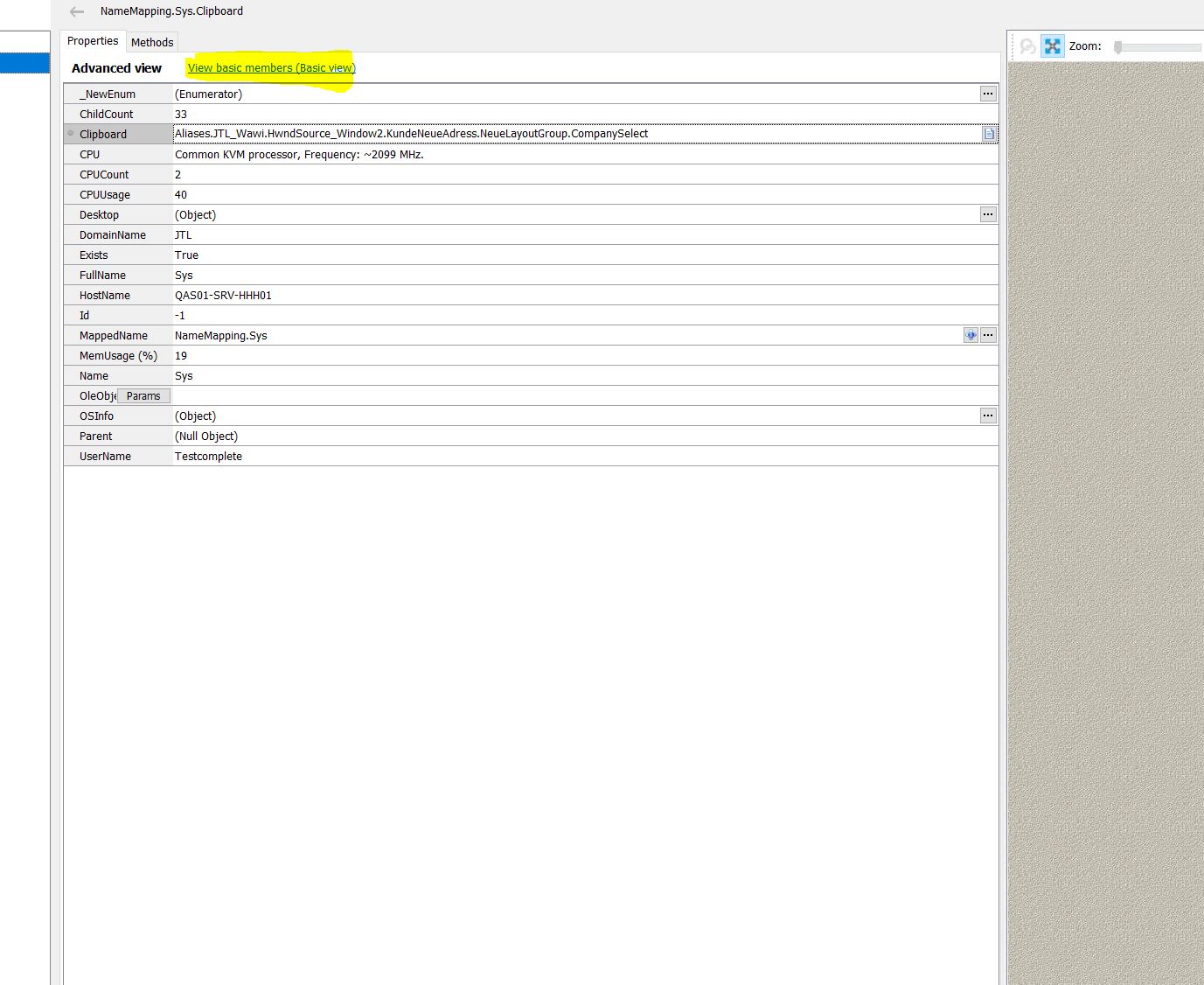
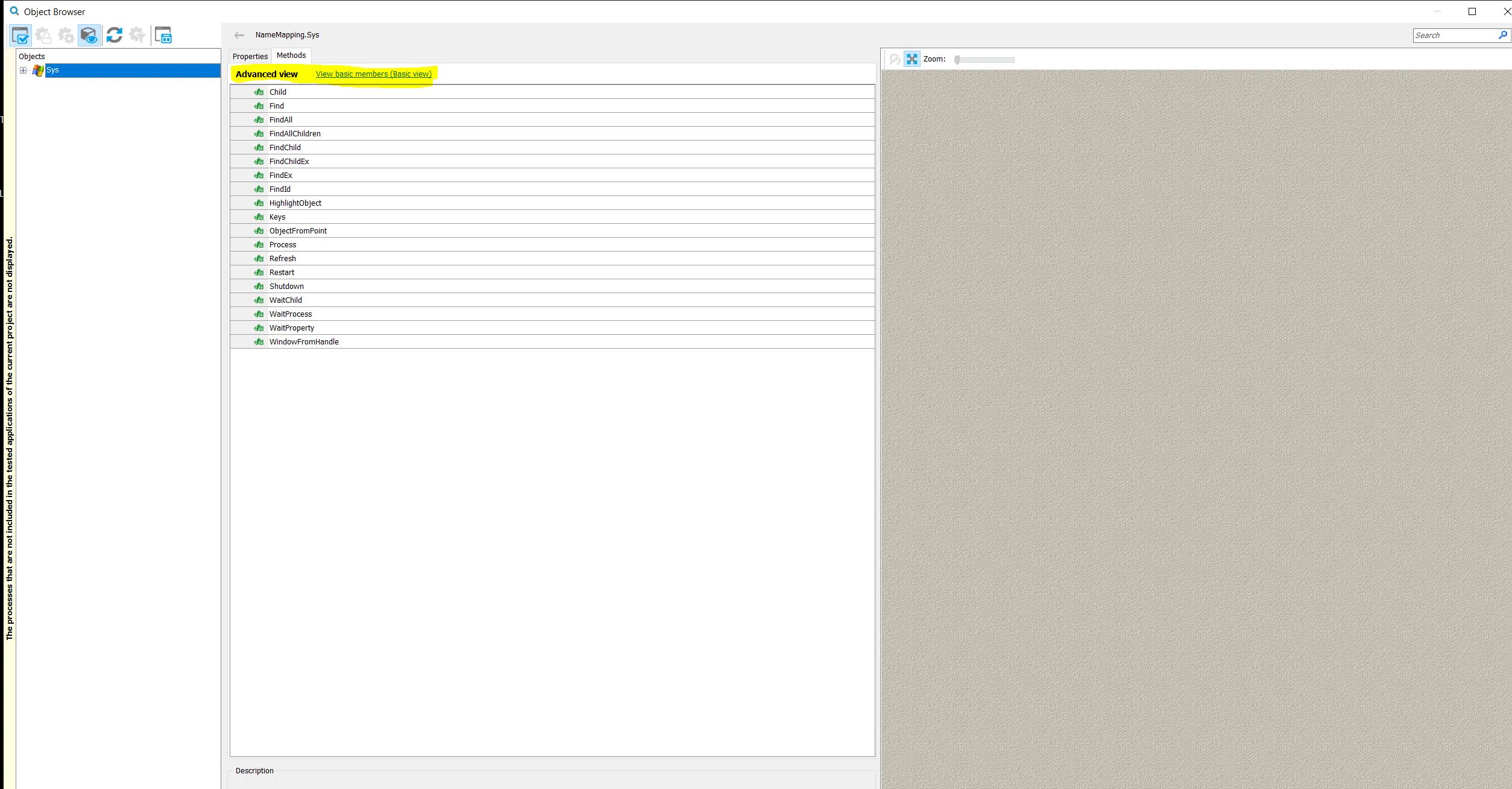
Marsha_RPlease find attachment for Advanced View
 Champion Level 3
Those last screenshots aren't referencing your combo box so I'm going to ignore those for now.
I suggest you read through this carefully. There's a specific reference to using combo box.
https://support.smartbear.com/testcomplete/docs/app-testing/desktop/wpf/control-support.html
You can also try recording a sample test that does the clicking that you want in your full test and see what code TestComplete generates from that.
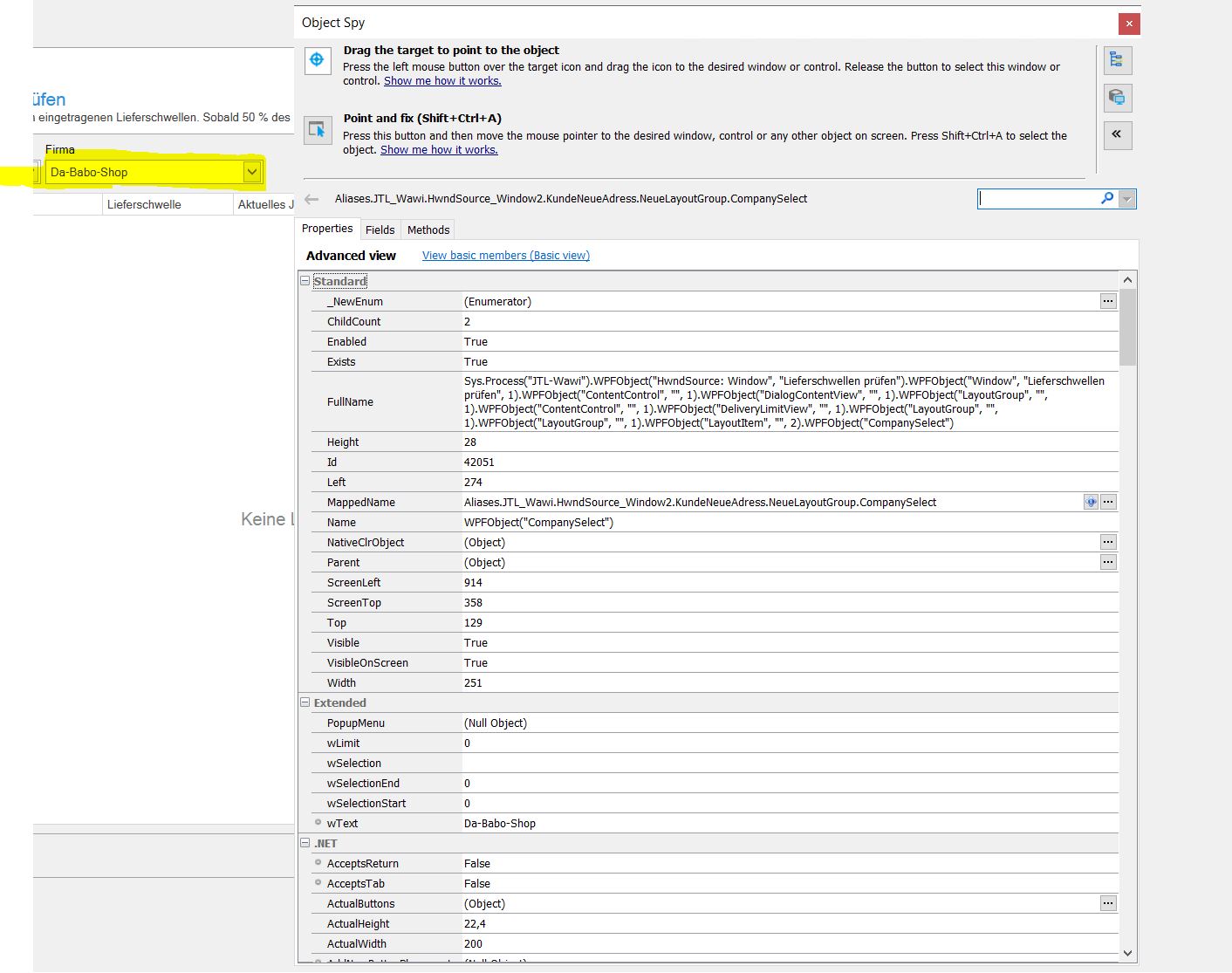
No, Theses Photo refer to the Combobox!
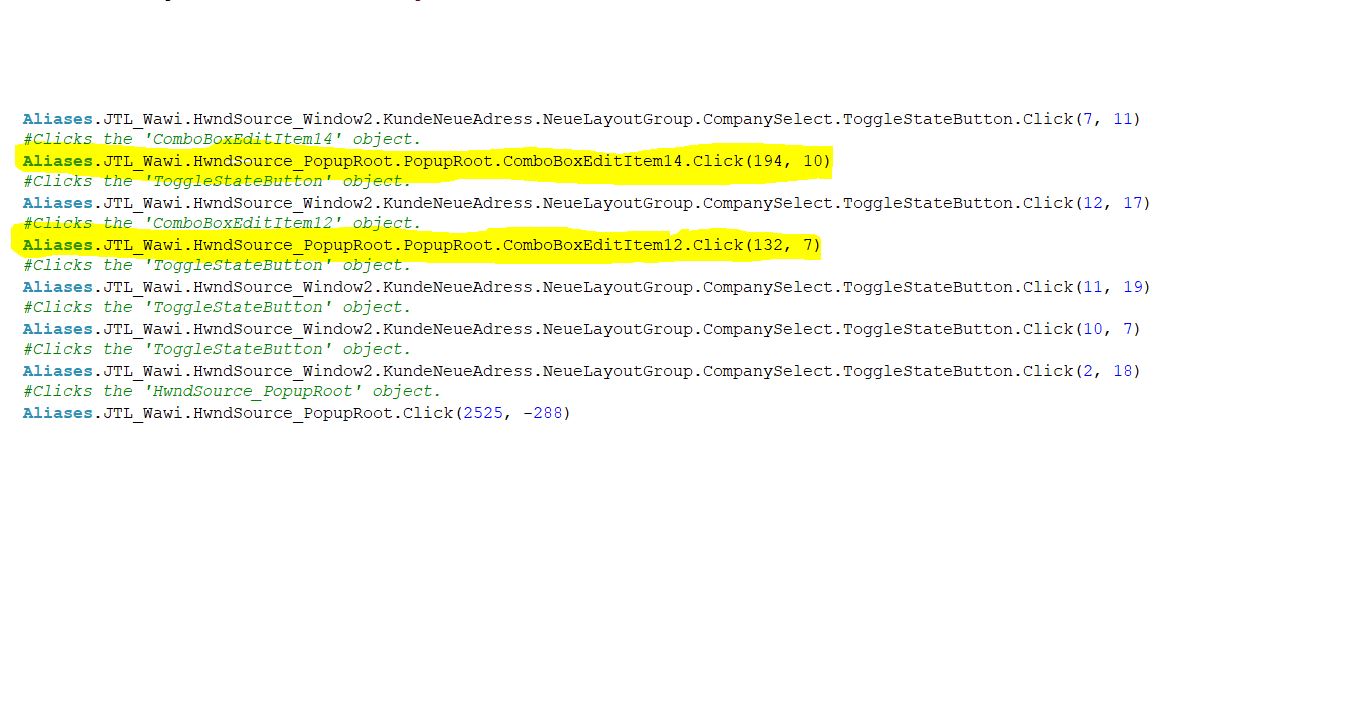
Also, I normally use a keyTest to find what will generate script codes in TC. In my case, she generated this codes:
    #Clicks the 'ToggleStateButton' object.
    Aliases.JTL_Wawi.HwndSource_Window2.KundeNeueAdress.NeueLayoutGroup.CompanySelect.ToggleStateButton.Click(10, 11)
    #Clicks the 'ComboBoxEditItem12' object.
    Aliases.JTL_Wawi.HwndSource_PopupRoot.PopupRoot.ComboBoxEditItem12.Click(204, 4)
    #Clicks the 'ToggleStateButton' object.
    Aliases.JTL_Wawi.HwndSource_Window2.KundeNeueAdress.NeueLayoutGroup.CompanySelect.ToggleStateButton.Click(7, 17)
    #Clicks the 'ComboBoxEditItem13' object.
    Aliases.JTL_Wawi.HwndSource_PopupRoot.PopupRoot.ComboBoxEditItem13.Click(170, 12)
    #Clicks the 'CompanySelect' object.
    Aliases.JTL_Wawi.HwndSource_Window2.KundeNeueAdress.NeueLayoutGroup.CompanySelect.Click(136, 16)
As I have said and clarify are in Photos, She generated a new Object for each Item in Combobox!
Therefor I ask how can I use a ClickItem in WPF's Combobox.

As I have said and clarify are in Photos, She generated a new Object for each Item in Combobox!
Therefor I ask how can I use a ClickItem in WPF's Combobox.
Not every component exposed by TestComplete has every method that every other component has. It is entirely likely that the WPF component you're working with does not actually have the ClickItem method. This is not unusual. Some web components that render as a combobox are actually a collection of sub DIVs that are displayed when the component is clicked.
However, as Marsha_R pointed out, this could be a result of how your control is used. From the help at https://support.smartbear.com/testcomplete/docs/app-testing/desktop/wpf/about.html
| Note: | If your WPF application contains a control that represents a collection of items (for example, a combo box or a list box), and the control uses data binding for its items, TestComplete may fail to access those items correctly. To get the items, you can use the control’s https://support.smartbear.com/testcomplete/docs/app-testing/desktop/wpf/accessing-native-members.html. |
so, if your comboBox uses data binding for the items, there will NOT be a "ClickItem" method. You will, as Marsha_R indicated, need to use the native properties of your comboBox.