We are building a new experience for our SmartBear Community.
This site is now read-only. You can still browse and search as usual. Learn More
This site is now read-only. You can still browse and search as usual. Learn More

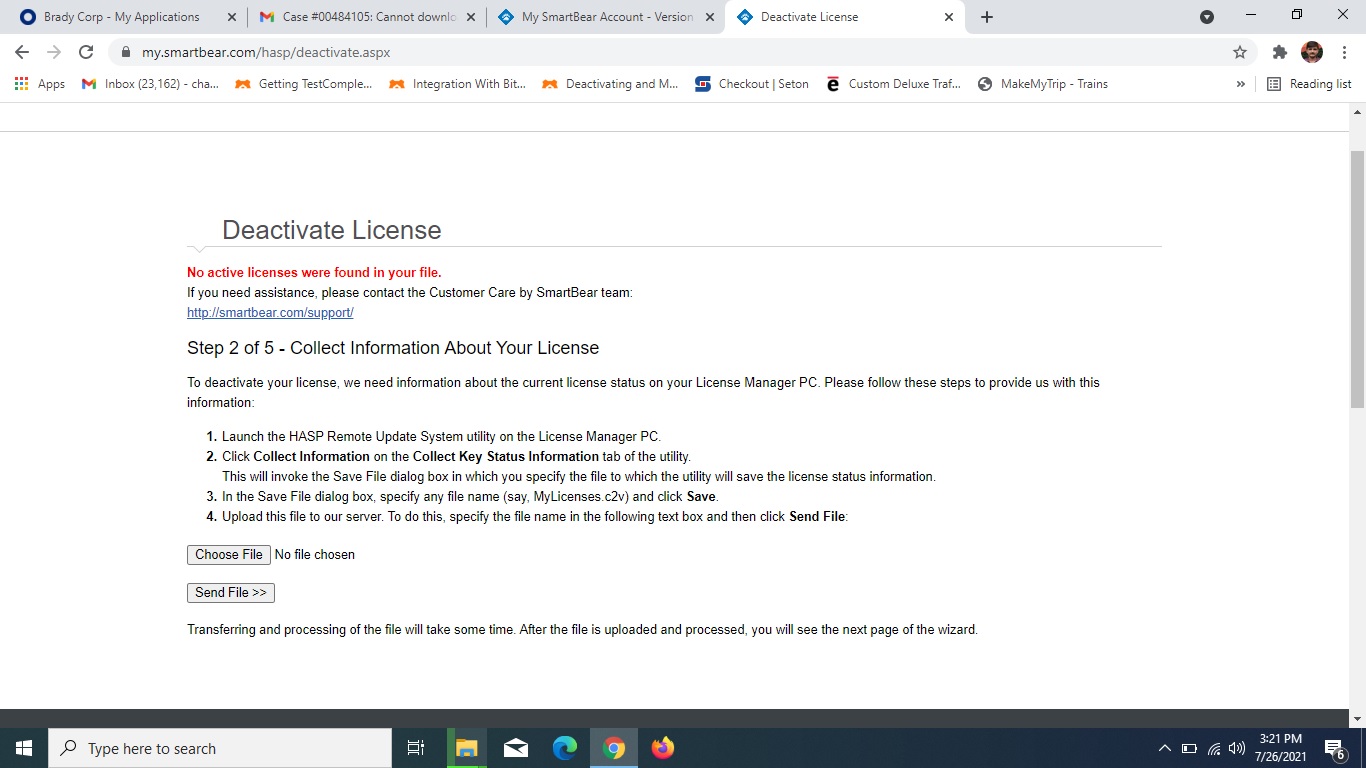
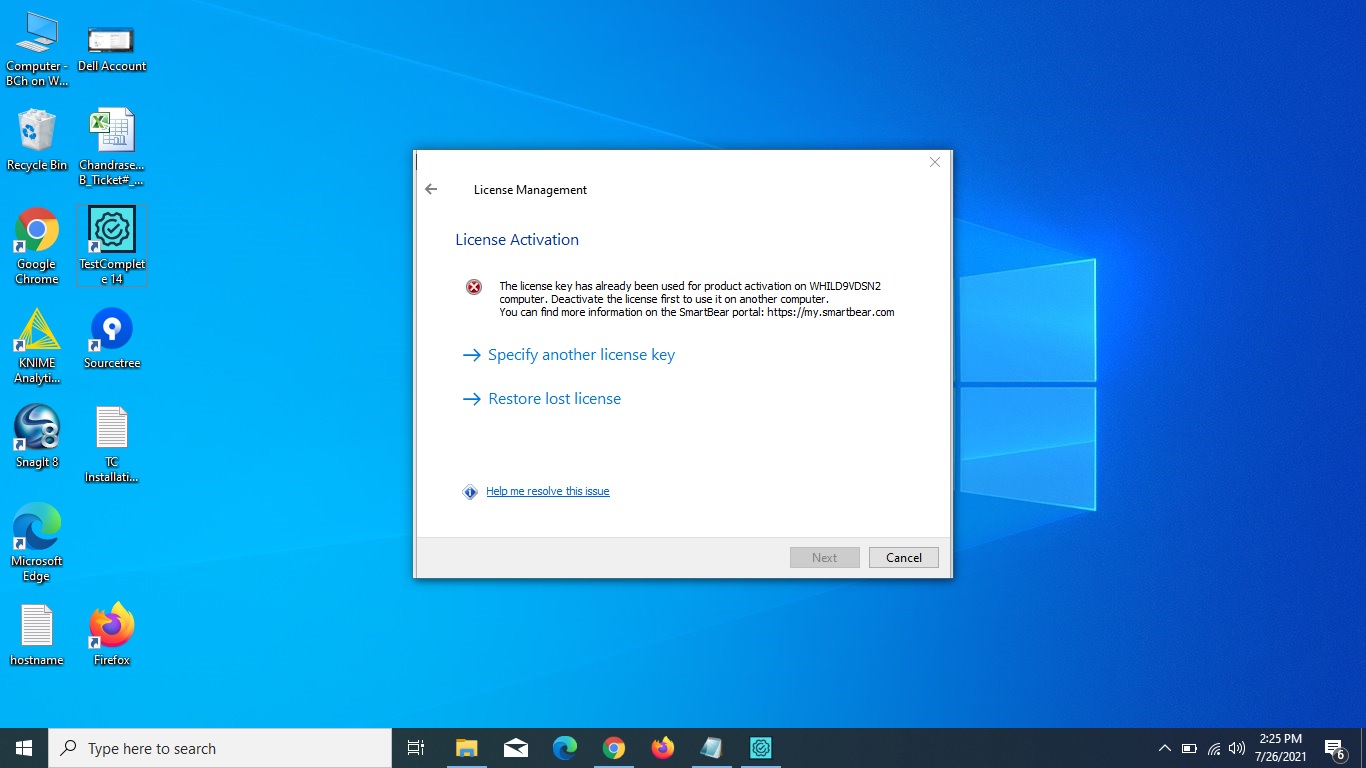
I moved to a new PC without deactivating the node-locked license in the old PC. Now no more I have access to the old PC. I cannot deactivate & activate a license in a new PC. Please suggest me how to deactivate my node-locked license in the new PC without accessing the old PC
https://support.smartbear.com/testcomplete/docs/licensing/uninstalling-and-moving-licenses.html#Problems
If you encounter a hardware or software problem that blocks the automatic or manual deactivation, please https://support.smartbear.com/testcomplete/docs/licensing/getting-support-licguide.html.
According to the documentation, you need to contact the Sales Team. Here's how to do that:
https://support.smartbear.com/testcomplete/docs/licensing/getting-support-licguide.html

 Champion Level 3
https://support.smartbear.com/testcomplete/docs/licensing/uninstalling-and-moving-licenses.html#Problems
If you encounter a hardware or software problem that blocks the automatic or manual deactivation, please https://support.smartbear.com/testcomplete/docs/licensing/getting-support-licguide.html.
According to the documentation, you need to contact the Sales Team. Here's how to do that:
https://support.smartbear.com/testcomplete/docs/licensing/getting-support-licguide.html

Hi,
Also you may try Emergency License under License Management in the TestComplete section on your Customer Portal (my.smartbear.com)