Forum Discussion


TanyaYatskovska Alumni
12 years agoAlumniHi Kelvin,
Does reinstalling TestComplete help?
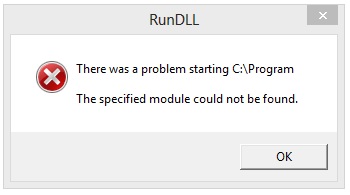
If you face the same error, please follow the steps below to help us investigate the issue:
1. Make sure that TestComplete isn't launched.
2. Run the Report Generator tool located in <TestComplete>\Bin\ReportGenerator.exe.
3. Select the Launch/attach to TestComplete option.
4. Reproduce the problem.
5. Click the "Generate..." button in the Report Generator tool and save the report to a local folder.
Send the report to our Support team.