Forum Discussion


Natasha_2012
9 years agoContributor
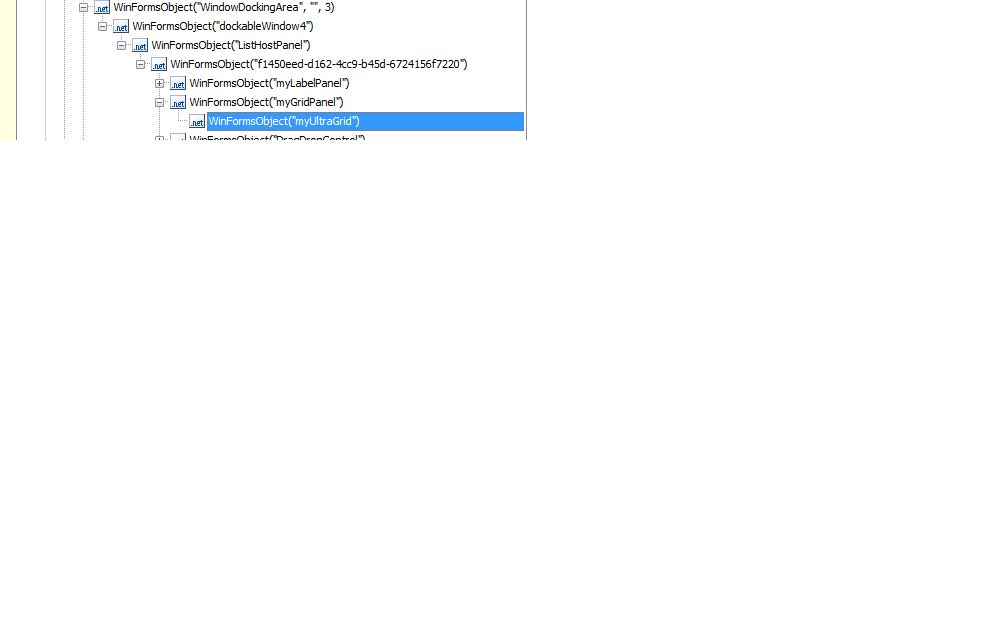
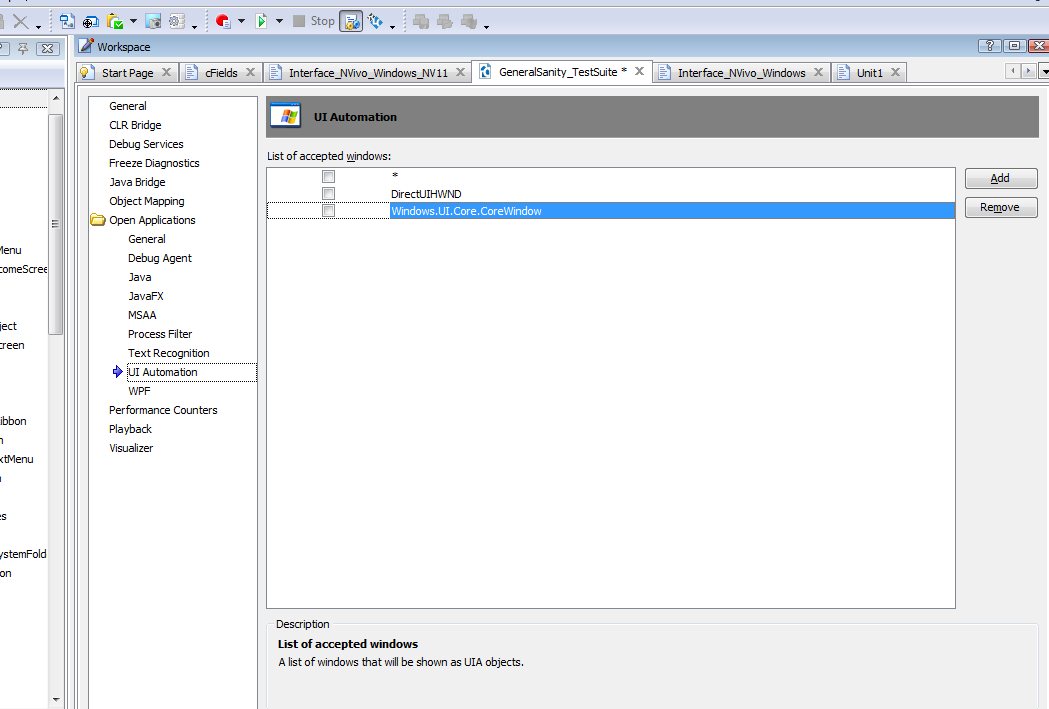
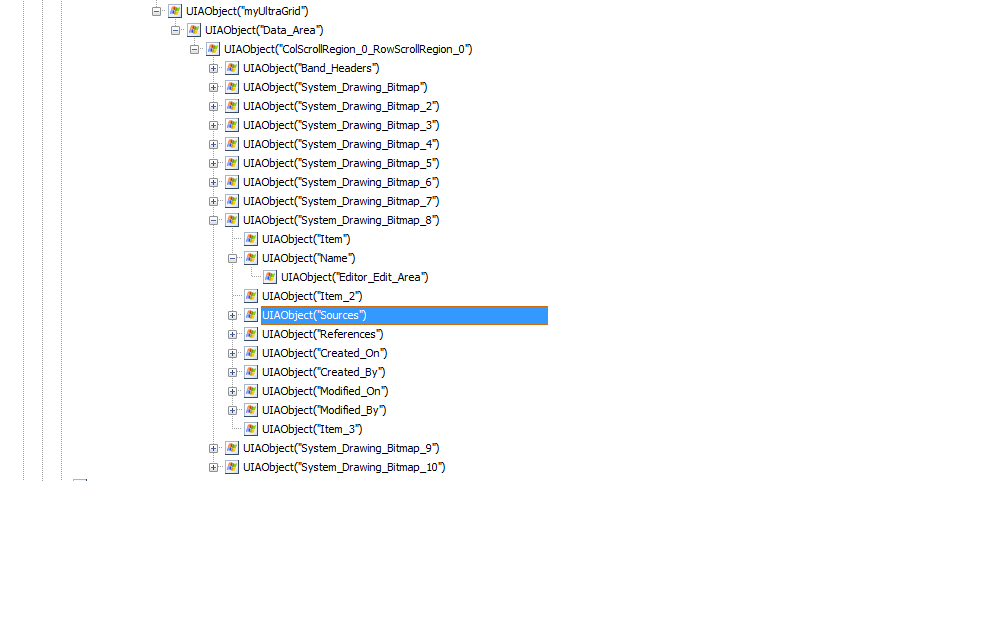
if I use UltraGrid view, turn off all the setting as the attached screenshots. I wont be able to see anything inside the Ultragrid view. When I turn on all these setting, I will be able to see the contents inside. They are UIAObjects.
At the moment, I'm using UIAObject Tree. I can see all the cell values of these rows if I use this UIA control. Each System_Drawing_Bitmap is a row. My problem now is that I cannot scroll to a row if it is invisible on the screen.
Natasha_2012
9 years agoContributor
please note that all these rows are my dynamic data. TestComplete support team has pointed out that I'm using the UIA control that they dont support for
 sanjay02889 years agoFrequent Contributor
Hi,
Thanks for the info. As mentioned in my previous reply did you try unchecking the UI Automation and adding the infragistics grid control class name in object mapping?
Meanwhile if it is a custom control can you try adding the class name under object mapping ->InfragisticsControls depending on whether it is a grid or a list ->UltraGrid/UltraListView
You can refer to the links below.
- Natasha_20129 years agoContributor
Thanks heaps for your help.
I dont have Infragistics control listing in my Install Extensions list. I think this is the cause why I cannot see anything inside my UltraGrid view
How do I add this control into my Install Extension list, please?
Thanks heaps and have a nice weekend
Nat
- sanjay02889 years agoFrequent Contributor
Hi,
Please go through the link below
If the extension is already installed. Spy on your grid control and take a snapshot of the full object properties. So that the class name of the control is visible and post a snapshot here.
I think you have not added the object's class name in the ObjectMapping.