Forum Discussion


marunachalam
7 years agoOccasional Contributor
After added delay getting the same error,
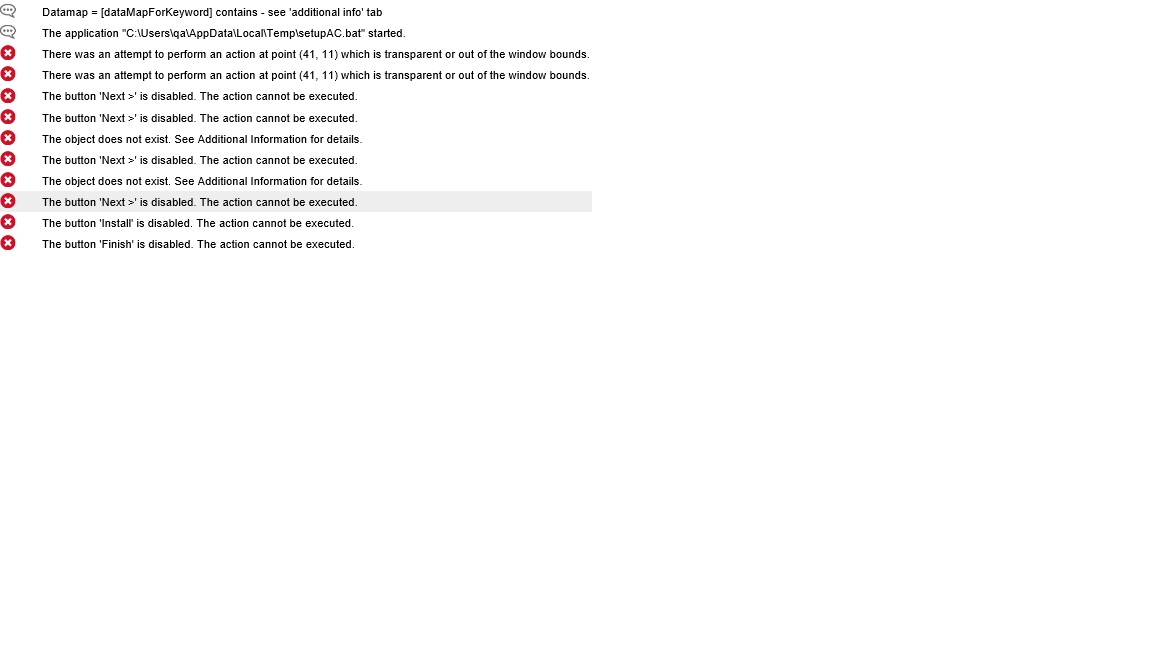
There was an attempt to perform an action at point (41, 11) which is transparent or out of the window bounds.
seems It could able to get that button, but some thing else blocking.

tristaanogre
7 years agoEsteemed Contributor
I think we'll need more information at this time. What is the code that is actually being executed (screenshots or copy/paste)? How is the object identified in NameMapping? Can you confirm that it is actually on the screen at the time the operation is attempted?
Just an FYI, that error is pretty self explanatory. An action is attempted on an object at the indicated co-ordinates on the object. For some reason, when that action is attempted, the object is not currently on the screen (perhaps scrolled off somewhere or hidden by some other pop-up). So, the object DOES exist... TestComplete confirms it. But it is not currently available for a mouse action to be able to interact with it due to its screen location.
- marunachalam7 years agoOccasional Contributor
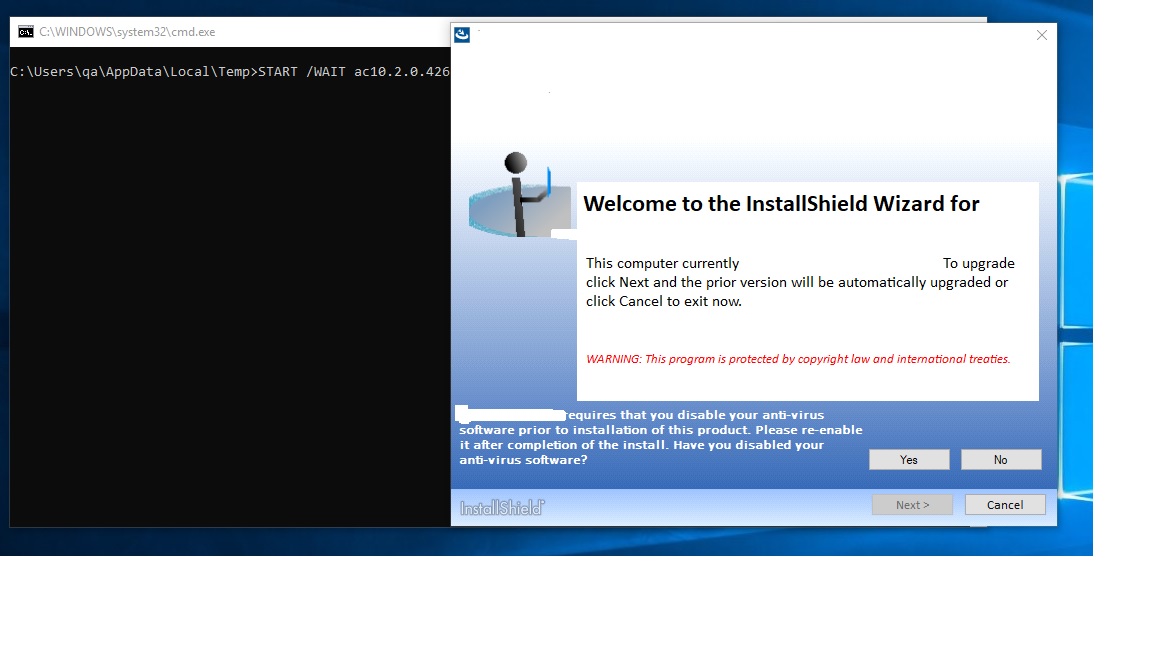
Attached screentshot where trying to access Yes, also attached TC Logs.
- tristaanogre7 years agoEsteemed Contributor
Can you include the actual code you're executing?
Also, in that TC log, there's an "Additional Info" tab that gives a lot of information... and a "Picture" tab that, if you have the option turned on, will include a screenshot of exactly what is occurring at the time of error.- marunachalam7 years agoOccasional Contributor
For Windows7 same scripts got pass and additional info from TC logs:
Tested object:
Sys.Process("_isF0C4").Window("#32770", "XX V10.2.0", 1).Window("#32770", "IDS_WELCOME_TITLE", 1).Window("Button", "Yes", 1)
Windows 10 additional info from TC logs:Tested object:
Sys.Process("_isF529").Window("#32770", "XX V10.2.0", 1).Window("#32770", "IDS_WELCOME_TITLE",1).Window("Button", "Yes", 1)
Code Snippet :
File 1:
this.YesNoButton = function(timeout) { return this.Form().Window("#32770", "IDS_WELCOME_TITLE", 1).Window("Button", "Yes", 1)};
this.NextButton = function(timeout) { return this.Form().WaitChild('Window("Button", "&Next >", *)', timeout != undefined ? timeout : 10000); };
this.InstallButton = function(timeout) { return this.Form().WaitChild('Window("Button", "&Install", *)', timeout != undefined ? timeout : 10000); };
File 2:(Calling function )
app.YesNoButton().ClickButton()
Delay(2000);
app.NextButton().ClickButton()
Delay(2000);
app.NextButton().ClickButton()
app.MainComputerRadioButton().ClickButton();
Delay(1000);
app.NextButton().ClickButton()
app.AcceptLicenseRadioButton().ClickButton();
Delay(1000);
app.NextButton().ClickButton()
Delay(1000);
app.InstallButton().ClickButton();
Delay(5000);
// wait until the cancel button disappears
app.CancelButton().WaitProperty('Visible', false, 1000 * 60 * 15);
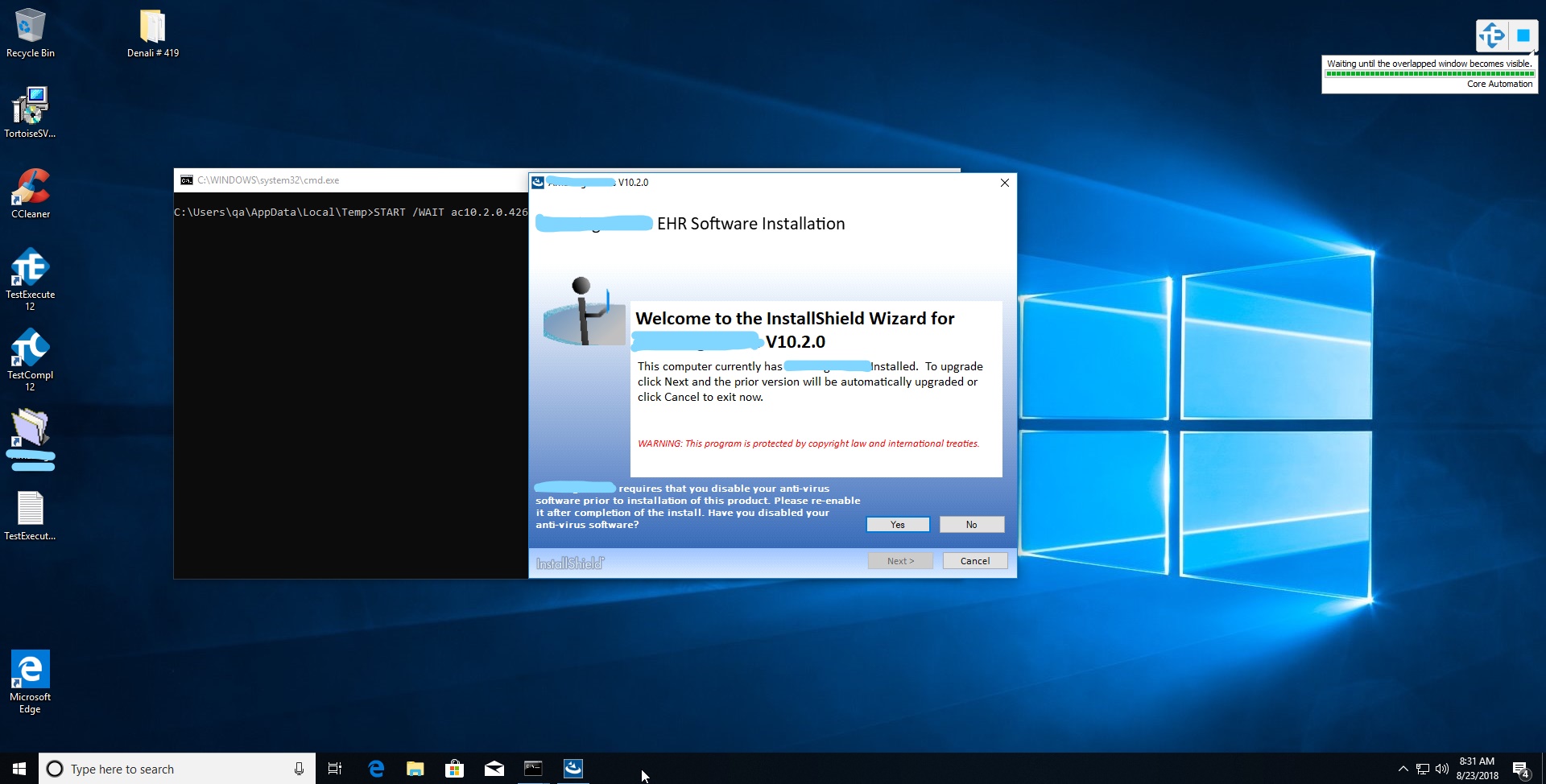
Attached Picture from TC log :