Solved
Forum Discussion



sinduja_venkata
11 years agoOccasional Contributor
Thanks for your responses.
I have tried copying the project folder locally. I did change the architecture to be same as operating system. Mine is a 64 bit machine, so tried to change it to 64 bit to see if it works. But nothing has helped so far.
Any other suggestions??

HKosova Alumni
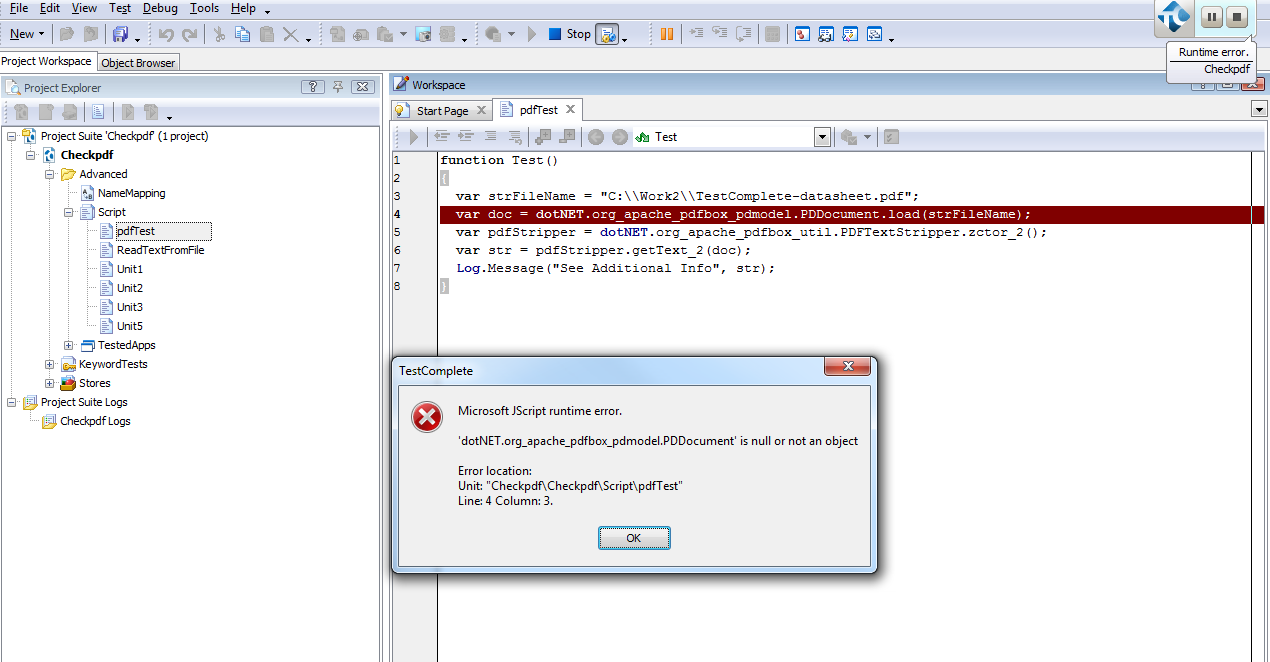
11 years agoAlumniLooks like there's a problem loading the PDFBox DLL or resolving assembly references.
If you type
dotNET.
and press Ctrl+Space, do you see the org_apache_pdfbox_pdmodel namespace in the code completion? Or are there just the standard namespaces (Microsoft_*, System_*, and so on)?
Does it work if you run TestComplete as administrator?
If the org_apache_* namespace is missing, try this:
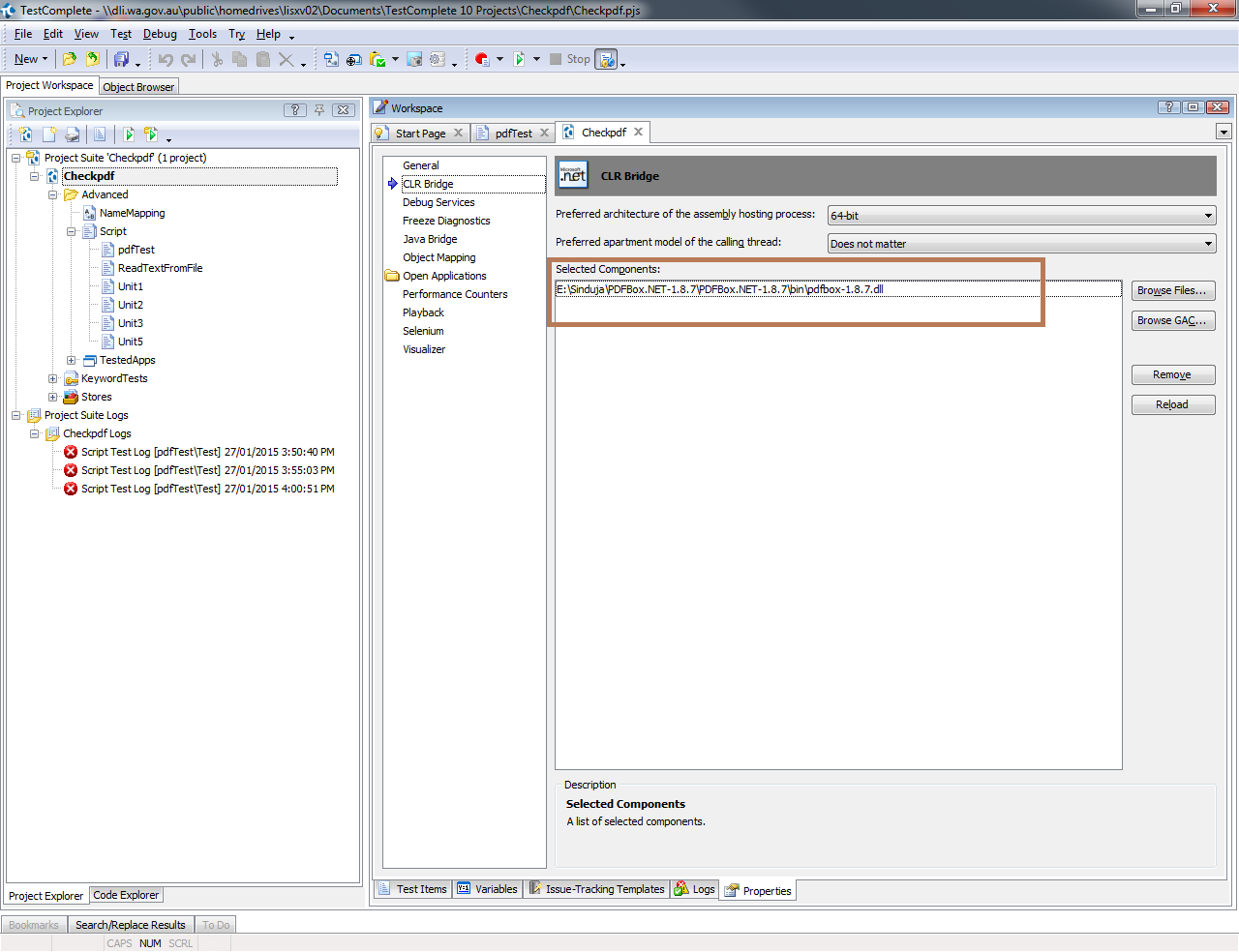
- Delete and re-add the PDFBox DLL in CLR Bridge.
- Change the preferred architecture to 32-bit.
- Restart TestComplete and check the code completion again.
Let us know if this helps.
 stapleshome711 years agoNew Contributor
Hi Helen,
I am also experiencing problem loading the PDFBox DLL and resolving assembly references.
If I type dotNet., only microsoft and ystem namespaces gets displayed.
I tried running in the administor mode and 32 bit mode, but no luck!
- sinduja_venkata11 years agoOccasional Contributor
Hi Helen,
As per your suggestion, I deleted and re-added PDFBOX DLL in CLR Bridge, changed to 32 bit architecture and restarted TestComplete 10.5.
But still the code completion doesn't seem to work. It shows only the standard namespaces.
Thanks for your inputs and please let me know if there are any other ways to read/search the contents of pdf.
- HKosova11 years ago
Just a wild guess - did you unzip all the files from the PDFBox archive? You need to have all those other DLLs next to the PDFBox DLL; PDFBox won't work alone without those dependencies.
Other than that, I'm out of ideas, sorry. If it doesn't work for you, I'd suggest opening a support ticket so our support team can look into this further.