Forum Discussion


HKosova Alumni
14 years agoAlumniHi Paramveer,
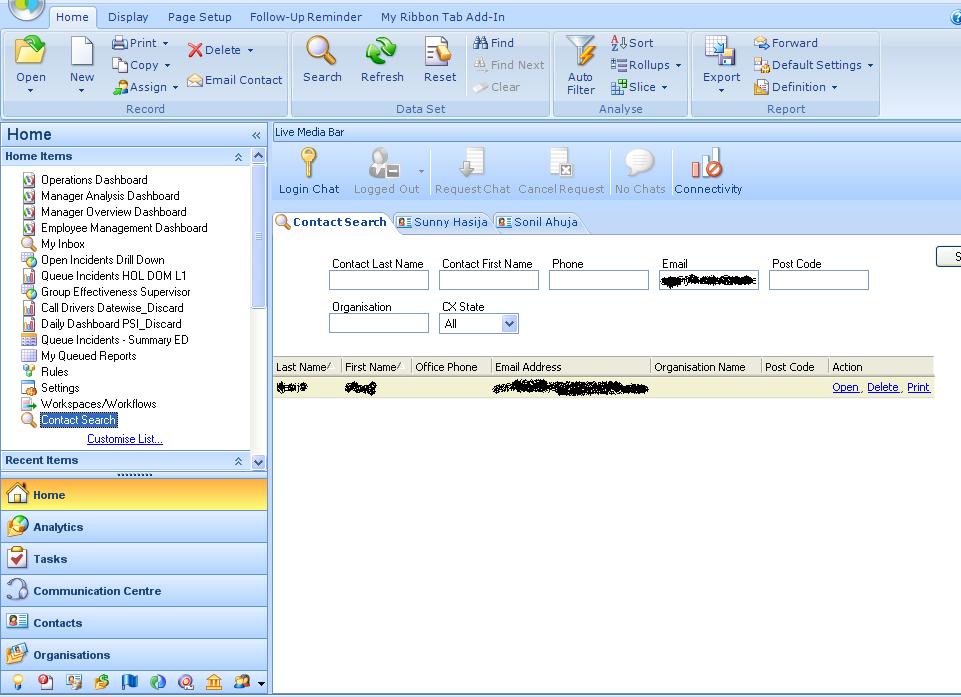
I'm afraid, TestComplete doesn't currently support the DevComponents and RightNow controls, but you are welcome to submit a feature request for supporting these controls here:
http://smartbear.com/products/qa-tools/automated-testing/survey/
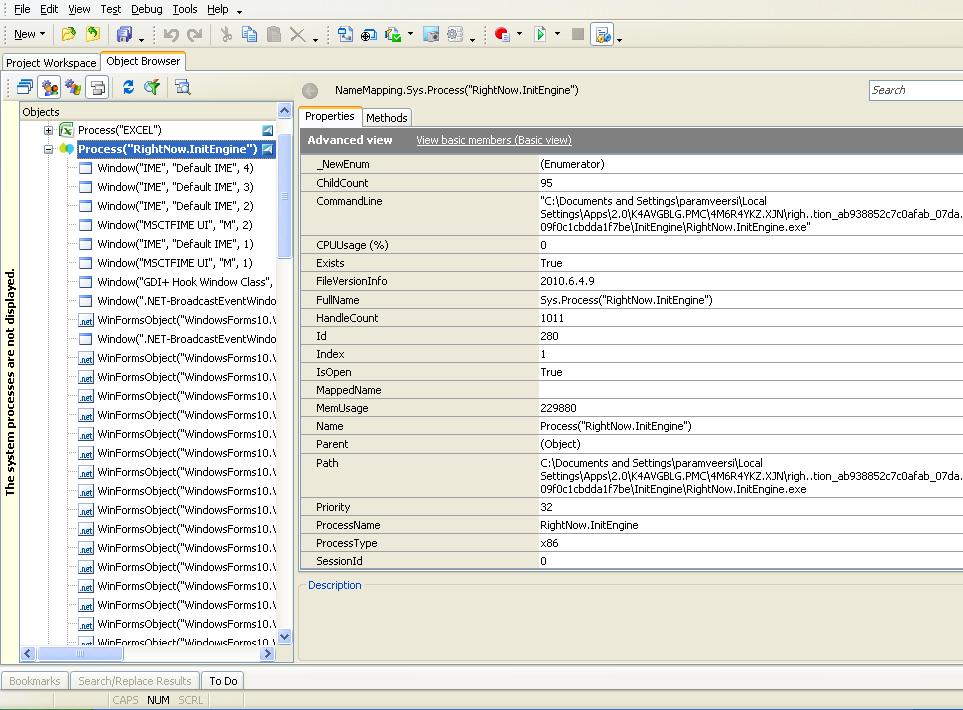
However, since your tested application is a .NET application, TestComplete has access to native properties and methods of the application's controls, so you can automate the required operations using these methods and properties. To learn which properties and methods are available, and which ones you can use for your task, you may examine the controls in the Object Browser (make sure to turn on the advanced view), read the API documentation on these controls or ask the application developers.
Also, you can try turning on MSAA, UI Automation and/or Text Recognition for your tested app — this can make TestComplete identify more internal elements in the problematic controls.
Hope this helps!
I'm afraid, TestComplete doesn't currently support the DevComponents and RightNow controls, but you are welcome to submit a feature request for supporting these controls here:
http://smartbear.com/products/qa-tools/automated-testing/survey/
However, since your tested application is a .NET application, TestComplete has access to native properties and methods of the application's controls, so you can automate the required operations using these methods and properties. To learn which properties and methods are available, and which ones you can use for your task, you may examine the controls in the Object Browser (make sure to turn on the advanced view), read the API documentation on these controls or ask the application developers.
Also, you can try turning on MSAA, UI Automation and/or Text Recognition for your tested app — this can make TestComplete identify more internal elements in the problematic controls.
Hope this helps!