Hi Suraj,
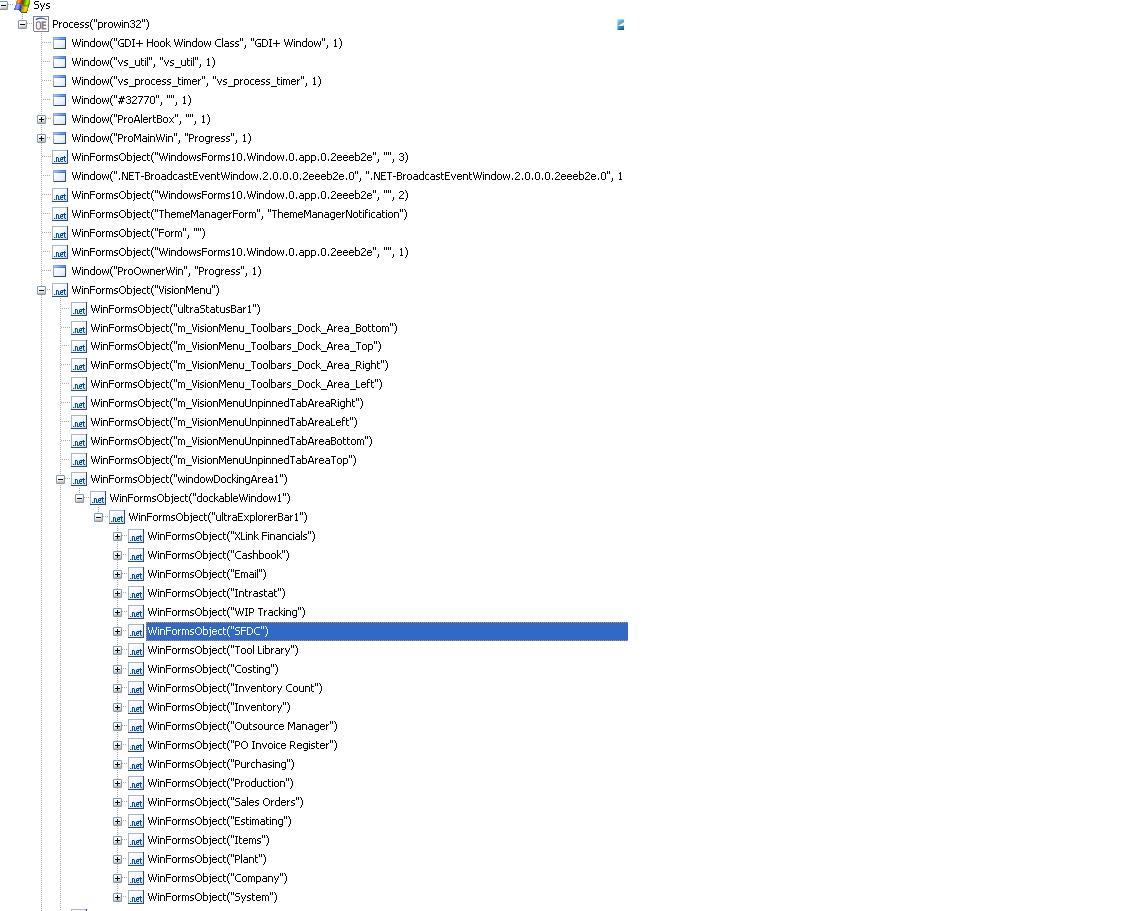
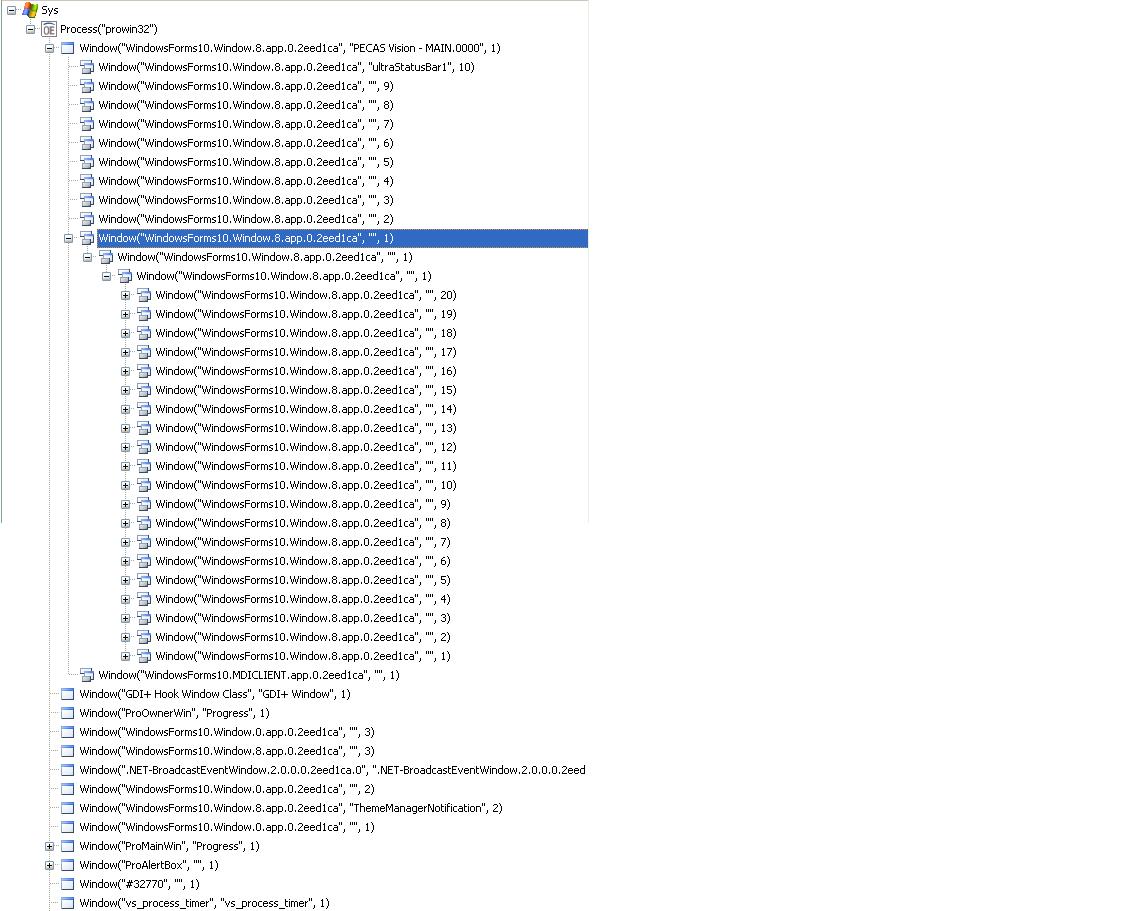
TestComplete provides full support for automated testing of .NET applications. They are "open" for TestComplete if the ".NET Open Application Support" plug-in is installed (it is installed by default). See the
"Testing .NET Applications" and the related help topics for the information. Most likely, you are using a third party controls and fail to find a reliable way to work with them. You can find possible approaches in the
"Ways to Interact With Application Objects" help topic.
If the suggestions given there do not help, please clarify the situation. Exactly what problems did you face? Did you see an error message (if yes, please send us an image of the message)? If error messages were posted to the test log, please zip your entire TestComplete project suite folder along with the failed test execution log and
send us the archive so we can investigate the problem here. Also, please clarify what controls you are having problems with. Let us know their names, versions and vendors.

 santhosh_reachOccasional Contributor