I'm not able to map an object using Object Spy hence I cannot run a test. It fails - object not foud
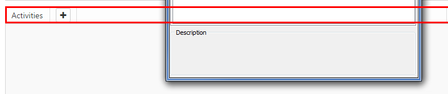


Using Chrome, yeah, object spy is not finding that particular component on your fiddler... not sure why.
When I drop it into IE, I find it as a TextNode which I can then click on.
See, because of the <span> tag, it's being seen as a text node, not as an actual button, even though the class is "btn".
Out of curiousity, what browser are you trying it in? If you're not using IE, try it and see if it works over there.

Our application is designed for Chrome only, so unfortunately, I have no ability to even try it in IE.
Since this is Chrome will you have any kind of workaround for me?
Thank you,
- Oleg
Honestly, if I had my druthers, I'd have my developers change it from <span id = "btn" class = "btn">Button</span> to be an actual Button component like
<button id = "btn" class = "btn">Button</button>
but I don't have the authority to do so and I leave it up to you to determine if this is worth bringing up.
As it is, even trying to go with some of the more native objects of the page, I'm unable to find the specific component. Probably, given time I could do so, but I don't have a workaround for you at this time.