Forum Discussion


HKosova Alumni
14 years agoAlumniHi Udhay,
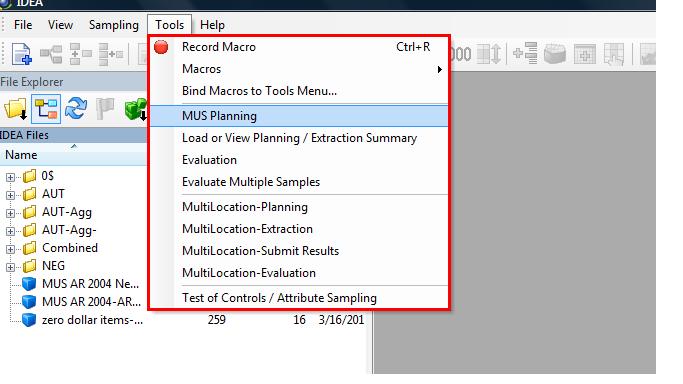
Your tested application seems to use the CodeJock menu and toolbar controls. TestComplete doesn't currently support these controls, but you can achieve better object identification by enabling MSAA for these controls. For this purpose, go to Tools > Current Project Properties > Open Applications > MSAA, add the following class names to the list and select the check box next to them:
XTPDockBar
XTPToolBar
After that, TestComplete should be able to identify and record the individual menu and toolbar items.
By the way, you can vote for adding extended support for CodeJock controls here:
http://support.smartbear.com/products/more-info/testcomplete-survey/
I'd also recommend that you update to the latest version of TestComplete, which is currently 8.70.
Your tested application seems to use the CodeJock menu and toolbar controls. TestComplete doesn't currently support these controls, but you can achieve better object identification by enabling MSAA for these controls. For this purpose, go to Tools > Current Project Properties > Open Applications > MSAA, add the following class names to the list and select the check box next to them:
XTPDockBar
XTPToolBar
After that, TestComplete should be able to identify and record the individual menu and toolbar items.
By the way, you can vote for adding extended support for CodeJock controls here:
http://support.smartbear.com/products/more-info/testcomplete-survey/
I'd also recommend that you update to the latest version of TestComplete, which is currently 8.70.