Forum Discussion

5 Replies
- tristaanogreEsteemed ContributorTwo things you need to ensure.
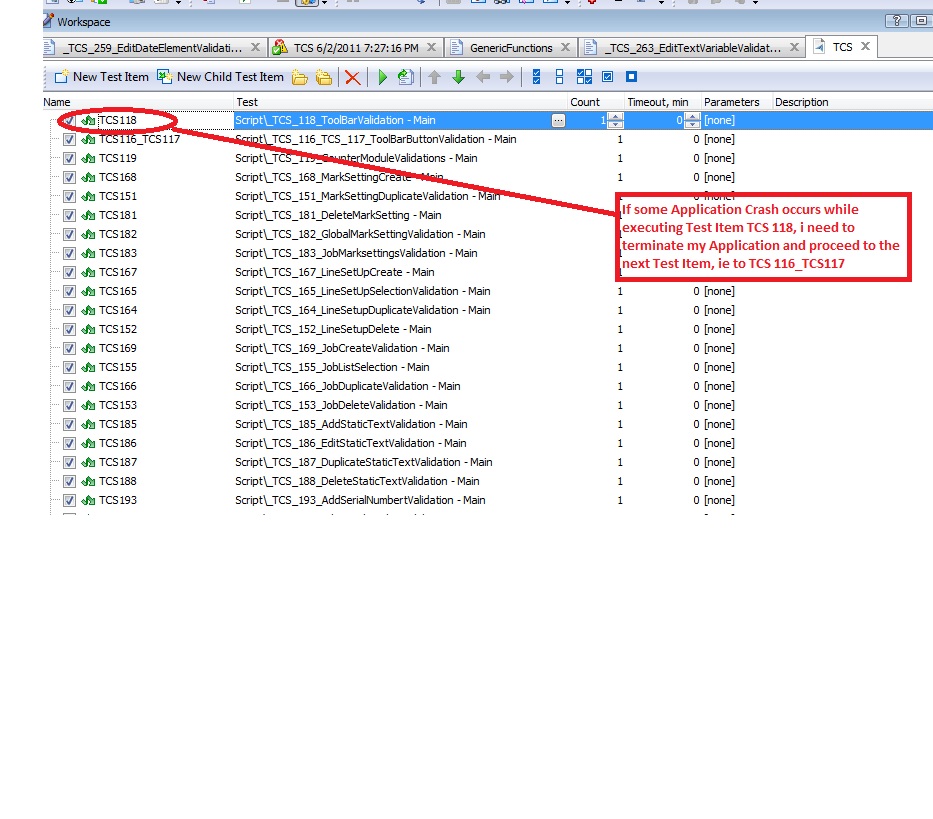
First, on your test item, set the "stop on error" property to "Test Item". That will stop that one test and then proceed to the next without killing your whole project.
Secondly, you will need to create and assign an OnStopTest event handler. In that handler, you'll want to detect that a failure occurred and then, if there was a failure, reset your environment to your basic starting point.  safrrhmnOccasional ContributorHI,
Can you provide me some code in regarding to this please? I was trying to restart the same subroutine for some cetain errors
Hi Saifur,
The event handler code will depend on your needs. As a rule, it can look like this:
//JScript
function GeneralEvents_OnStopTest(Sender)
{
//do something
Routine ();
}
Refer to the "Handling Events" article for more information.
 ngoodmanNew ContributorThe OnStopTest event is fired for several different reasons (e.g. Runner.Halt, exception, or the test completed successfully).
How is it possible to know why the event was raised? At the point you reach the OnStopTest handler, all the script variables have been disposed.
Hi Nicholas,
Project variables are still available in the OnStopTest event handler.