We are building a new experience for our SmartBear Community.
This site is now read-only. You can still browse and search as usual. Learn More
This site is now read-only. You can still browse and search as usual. Learn More


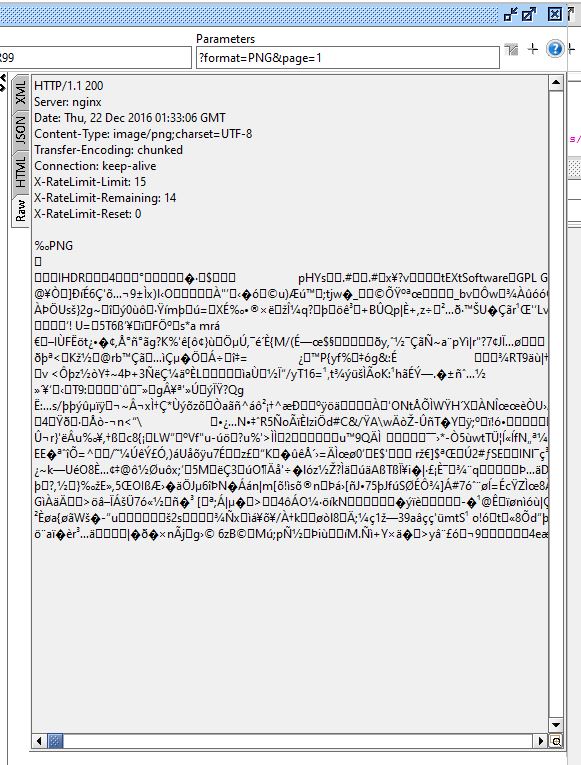
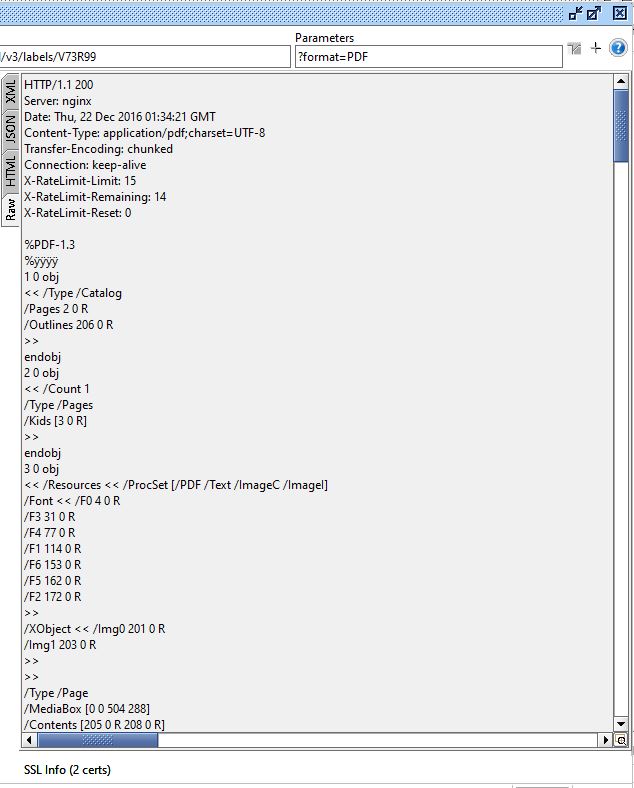
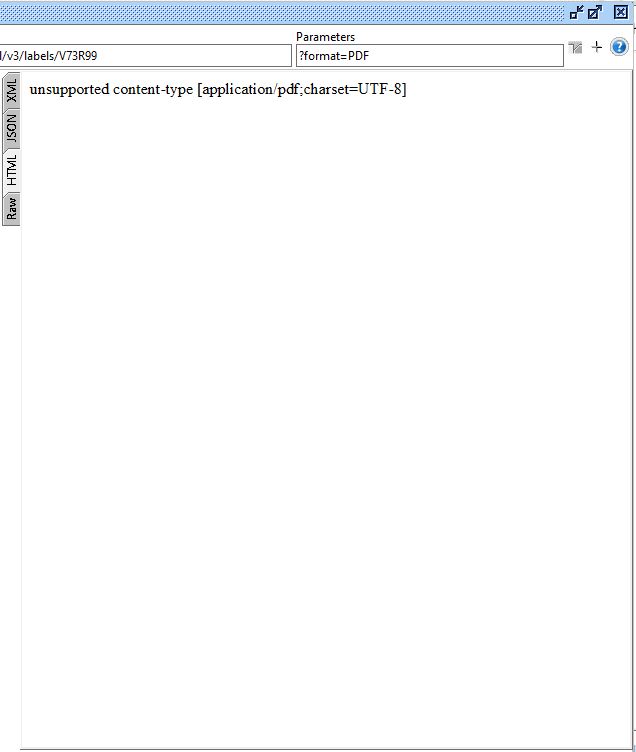
Image and PDF responses cannot be viewed directly in SoapUI, but you can use the Dump File property of TestSteps to save the response to a file and then view the saved file.
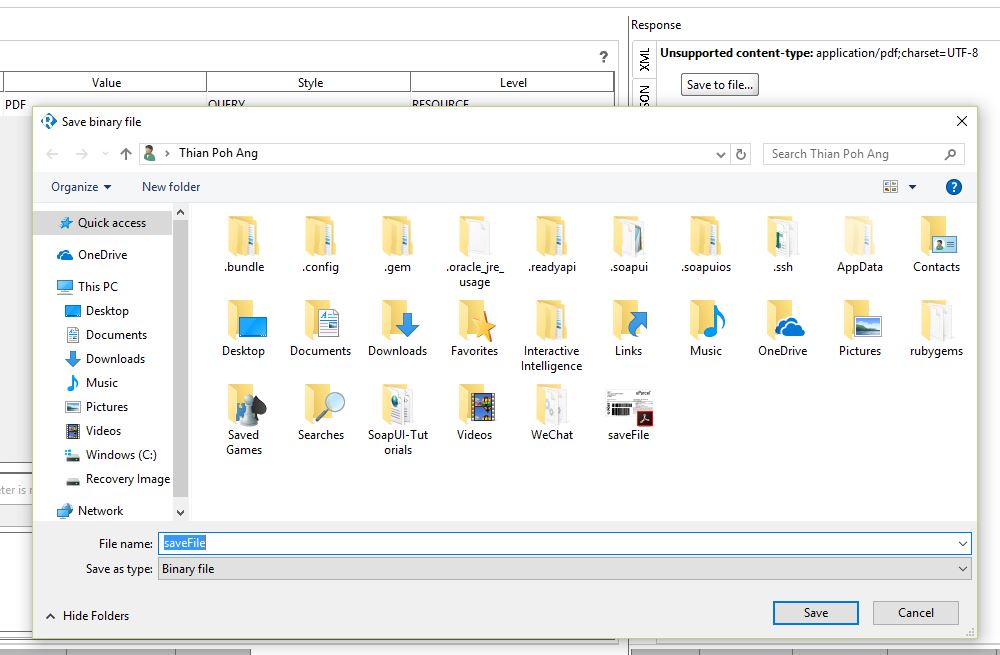
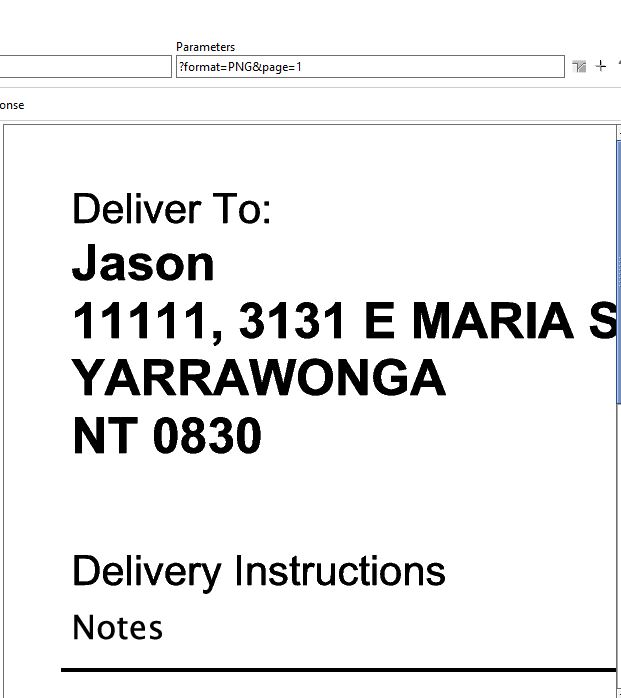
This was improved in SoapUI NG / Ready! API – image responses can be viewed on the HTML tab, and in case of "unsupported" file types such as PDF there's the "Save to file" button as an alternative (or in addition) to using the Dump File property.
 Alumni
Image and PDF responses cannot be viewed directly in SoapUI, but you can use the Dump File property of TestSteps to save the response to a file and then view the saved file.
This was improved in SoapUI NG / Ready! API – image responses can be viewed on the HTML tab, and in case of "unsupported" file types such as PDF there's the "Save to file" button as an alternative (or in addition) to using the Dump File property.

Hi thanks for the reply, I'm using SOAPUI not SOAPUI NG/ Ready API Version. wow there is differences on feature. If using SOAPUI NG/ Ready API version works both save pdf and view PNG file on html. Thanks for the information. :-)
Paul A