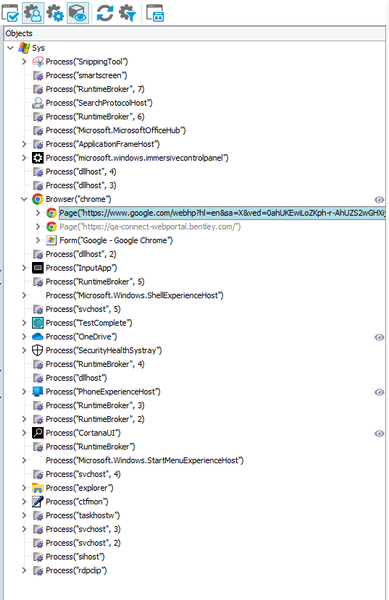
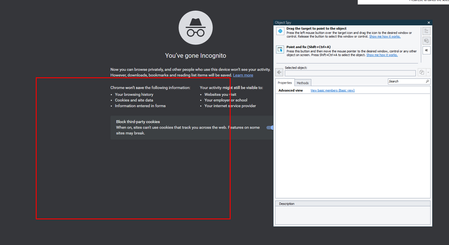
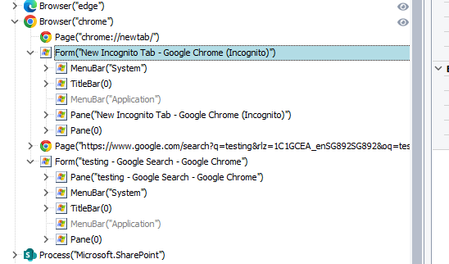
ContributionsMost RecentMost LikesSolutionsHow to get Browser details on which tests are performed Hi, I want to log my browser details For example Browser = chrome Version = X.X.X etc How can I get these kinds of details using TestComplete and later log them in reporting Thank you Microsoft edge in not visible in object browser Hi I am using Microsoft Edge for automation testing but for past few days I am unable to get any object using Object spy The edge browser is also not visible in the object browser I am unable to perform any step except launching the browser On the other hand, chrome is working fine TestComplete extension is installed The edge version is 113.0.1774.35 Re: Pass multiple variables to TestComplete using Azure Devops separated by space or with some other characters Can you please give an example? Thanks you Pass multiple variables to TestComplete using Azure Devops Hi, I was reviewing the URL on how to pass a variable to test complete https://support.smartbear.com/testcomplete/docs/working-with/integration/azure/test-adapter/environment-variables.html?_ga=2.17824895.714014726.1680593718-2026426674.1632291640 I want to confirm how to pass more than one variable Re: The Drop-down box cannot be closed error As per my understanding for ClickItem, we don't need to perform Click first to open the dropdown ClickItem itself opens the dropdown and selects the option Re: The Drop-down box cannot be closed error For me, it opens up the dropdown correctly but after that, it just gets stuck on waiting for a dropdown message The strange thing is if I click anywhere else at that time it closes the dropdown (correct behavior) and then everything works fine means It opens the dropdown again and selects the correct option ANd more strange its the same script was working fine few days back but now its not The Drop-down box cannot be closed error Hi I am trying to fetch a property from the dropdown using the ClickItem() function. It was working fine before but now all of a sudden it's not working It opens up the dropdown but it does not select the item under it and says "waiting for the drop-down to close" after this, it throws the following error in the log The Drop-down box cannot be closed error Re: How to run tests in multiple browser sessions on my side, I can see forms and chrome sessions. chrome sessions report the same image but 'form' reports differently. I wonder what they are for? Re: How to run tests in multiple browser sessions i have mapped the unique identifier but it does not find it because it is trying to look into another window any way to switch focus How to run tests in multiple browser sessions Hi, I want to run a test on multiple sessions of chrome For example I want to login into a website using user 1 in chrome cognito sessions Then I have to launch chrome in a incognito session and log in to the same website using the user 2 When i try to access the session in the incognito mode i can still see the focus is shifted towards the previous sessions i.e. the one in the cognito mode How can i shift my focus from cognito to incognito mode and then back