marogo
15 years agoNew Contributor
Send random integer or string value to Edit control
Hi:)
How to send random integer or string value to Edit control in my Delphi application? I would like use some TestComplete script
which has simple function in Delphi to generate specific random key string like this:
function GenerateRandomKey: String;
Begin
Result:=IntToStr(Random(1000))+'-'+IntToStr(Random(5000));
End;
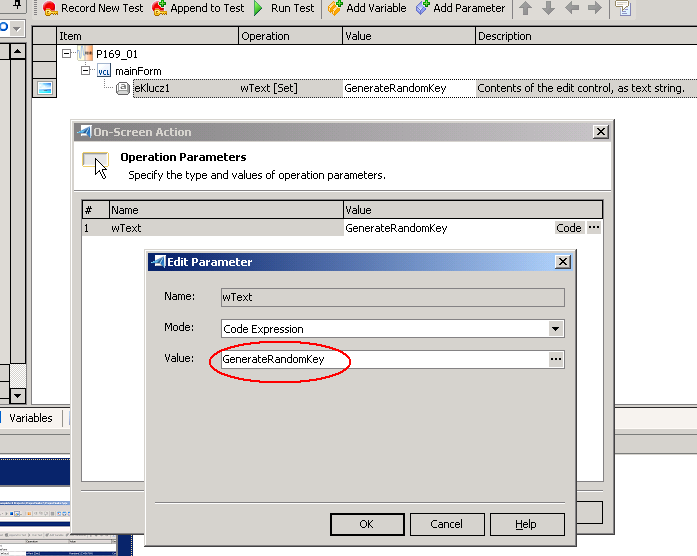
I don't know how to assign this function from script with wText[Set] action.
Best regards.
M.
How to send random integer or string value to Edit control in my Delphi application? I would like use some TestComplete script
which has simple function in Delphi to generate specific random key string like this:
function GenerateRandomKey: String;
Begin
Result:=IntToStr(Random(1000))+'-'+IntToStr(Random(5000));
End;
I don't know how to assign this function from script with wText[Set] action.
Best regards.
M.