Forum Discussion


tristaanogre
9 years agoEsteemed Contributor
It depends upon the implementation, really.
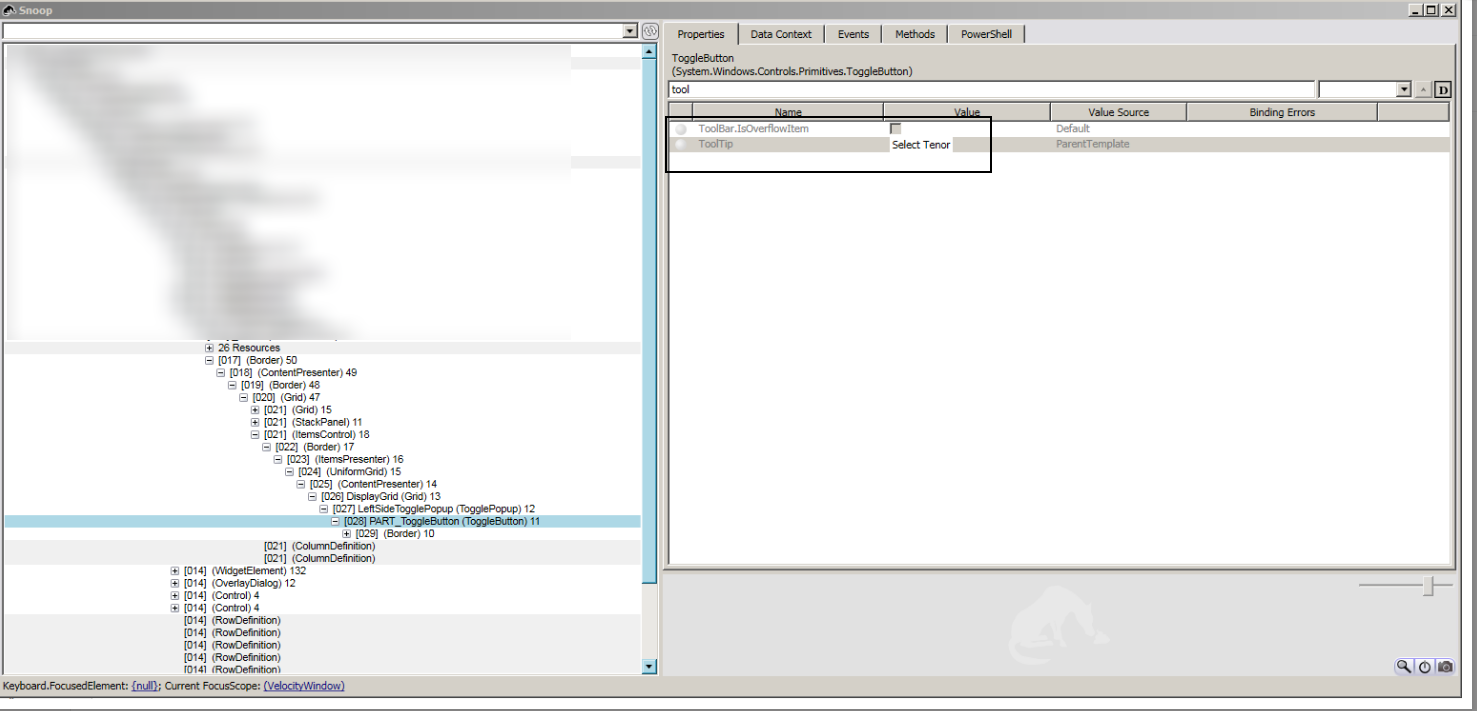
In some cases, "tooltip" is a property on an object. In these cases, you cannot spy with object spy because there is no object to spy. You spy the parent object and then access the tooltip property.
For a web application I'm currently testing, there are these "hover" tool tips that open an object on the page for viewing. These objects are part of the page but are only set to "visible" when the mouse hovers over them. In these cases, we have to use the SHIFT-A method of capturing the item or go searching in the Object browser.
So... guess it comes down to how your tool tip is implemented in your application. Can you see it in the object browser (this is not the object spy, but the object browser tab itself)? If so, start there. If not, look for it as a property of the parent object.