Forum Discussion




irina_lukina
14 years agoSuper Contributor
Hi Tanu and Sumit,
No it's not working yet. Similar is the case with me, developers said that, they have compiled the application correctly.
According to the screenshot you posted here earlier, there is no debug information for the application. That is why, the application is not recognized as Open. To solve the problem, please make sure that your developers compiled the application with debug information. For this purpose, please follow the steps below:
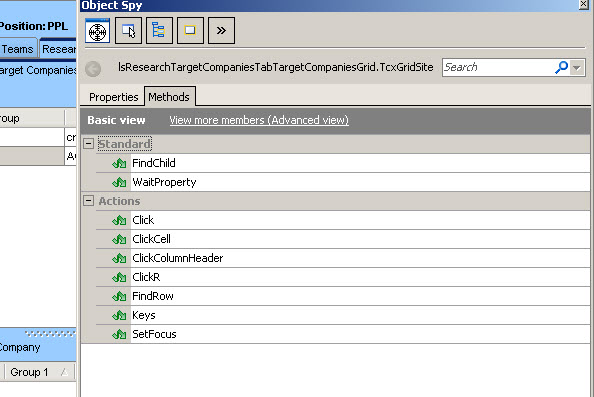
1. Open the Object Spy window and use the target glyph to highlight the main form of your application.
2. Release the mouse button and make sure that the Advanced view mode is activated.
3. If the debug info has been read correctly, the Properties table contains the Debug Agent category. If there is no such category, please contact your development team.
If you are sure that the application was compiled correctly, and it contains debug information, please contact our Support Team and send them the following information:
1. Your TestComplete project.
2. A sample application that they can use to reproduce the problem.
Thanks.