Hi Raj,
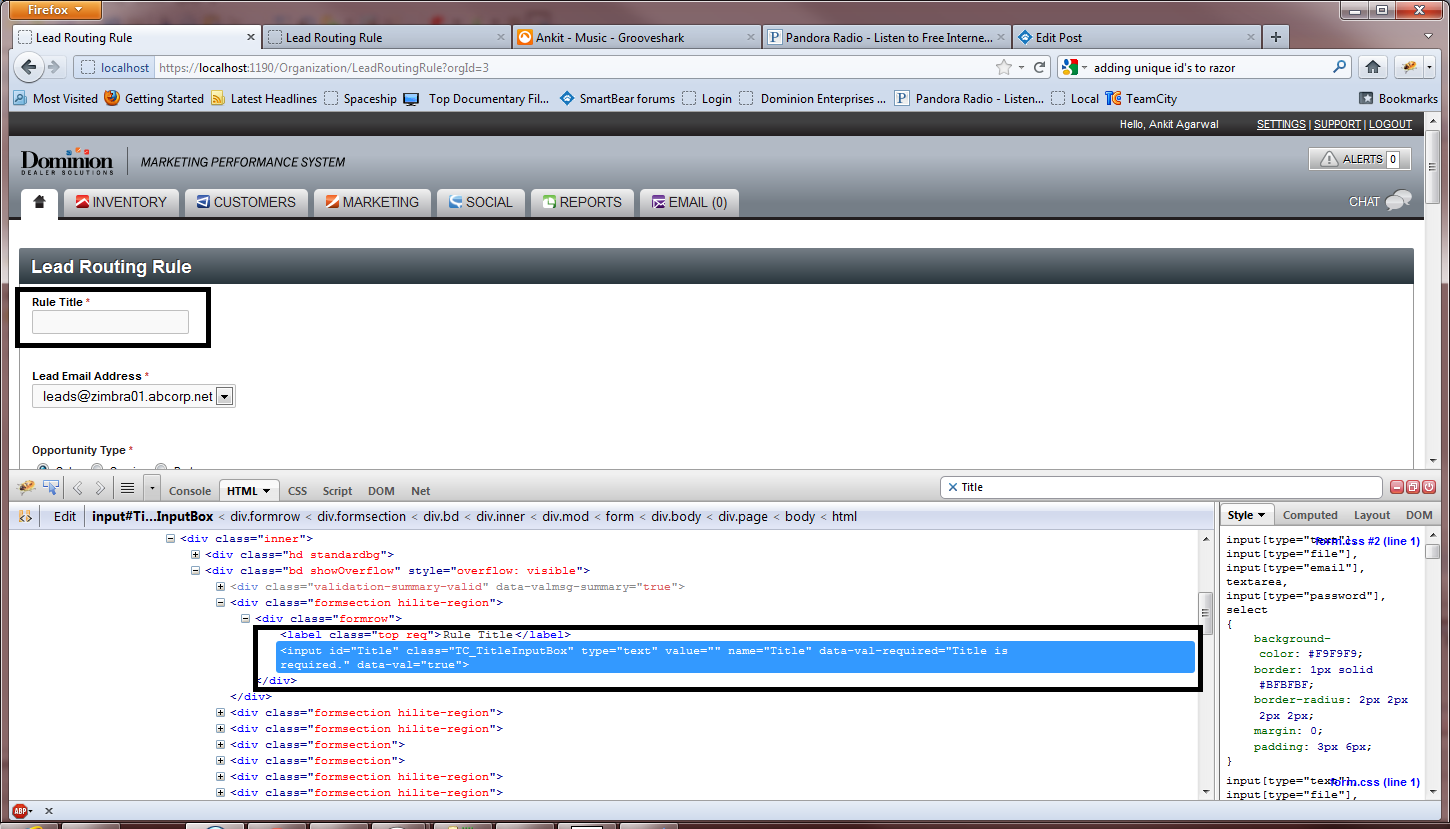
From your Object Spy screenshot, I see that TestComplete uses UI Automation and MSAA identification for web page elements instead of web identification. This can be the reason of the web search functions' failing to find the web element.
To resolve the issue, follow the steps below:
* Download and install the latest Firefox support patches from
here.
* Make sure that the Firefox Support Plug-in is selected in
File > Install Extensions.
* Go to
Tools > Current Project Properties > Open Applications > General and move
NativeFirefoxObject above
NativeUIAObject and
NativeMSAAObject.
Let me know how this works for you.