Forum Discussion


AlexKaras
11 years agoCommunity Hero
Hi,
There is a problem with Chrome that looks like yours and is described in the "Specifics of Web Testing in Google Chrome" help article:
====================
With the default security settings Chrome follows the same-origin policy and does not allow cross-origin interaction. Because of this, TestComplete cannot access the contents of cross-origin framesets (when a host of an HTML frame differs from the host of the parent page). To test the contents of such framesets, you need to open the contained frame as a separate web page or launch the Chrome application with the --disable-web-security command-line switch.
There is a problem with Chrome that looks like yours and is described in the "Specifics of Web Testing in Google Chrome" help article:
====================
With the default security settings Chrome follows the same-origin policy and does not allow cross-origin interaction. Because of this, TestComplete cannot access the contents of cross-origin framesets (when a host of an HTML frame differs from the host of the parent page). To test the contents of such framesets, you need to open the contained frame as a separate web page or launch the Chrome application with the --disable-web-security command-line switch.
The same-origin policy also applies to framesets displaying local files. By default the local files are considered to belong to different origins and not allowed to access one from another. To solve the latter issue, you can launch the Chrome application with the --allow-file-access-from-files command-line switch.
====================
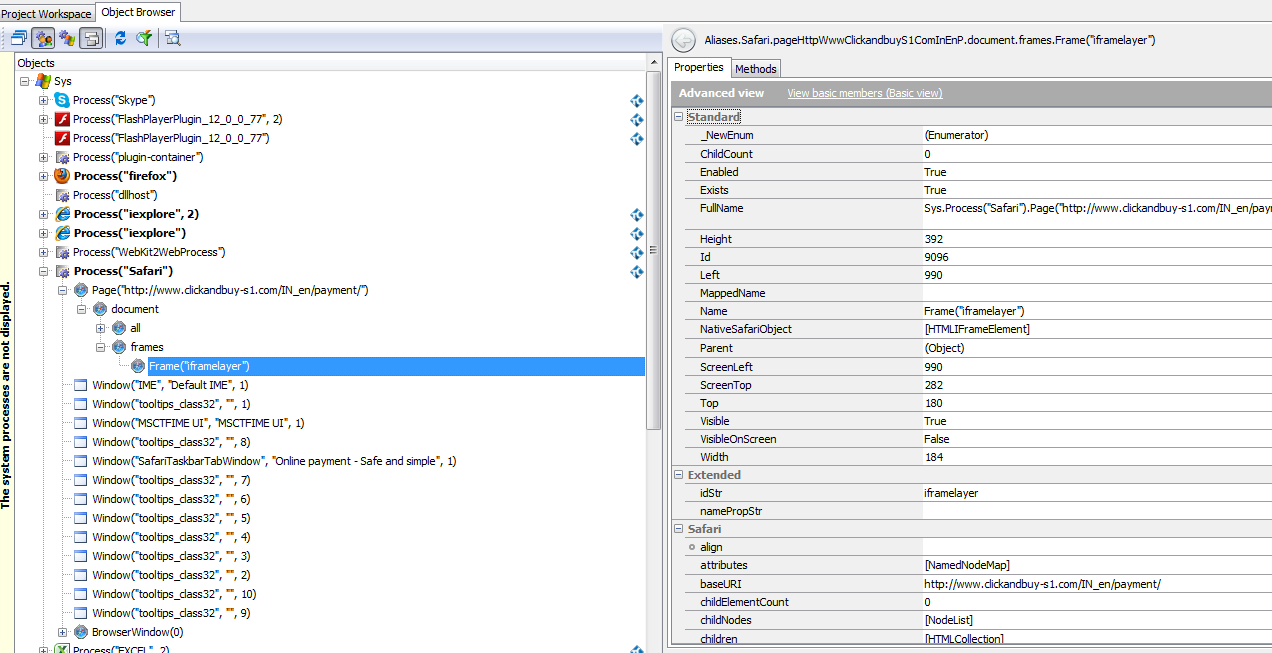
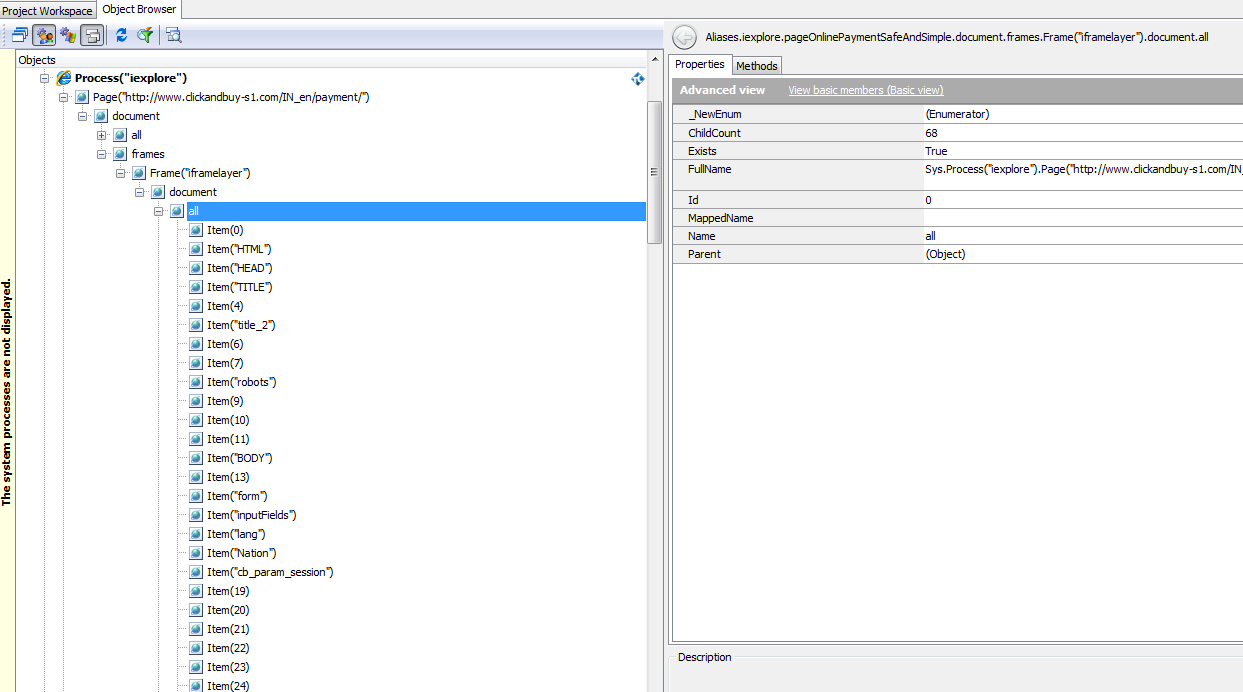
Might this be your case? (Hovewer, I am not aware about Safari command line, so the suggested Chrome workaround most probably will not work. Maybe Safari has some similar setting that can be set via UI... I don't know.)