Forum Discussion

5 Replies
- YMinaev
Staff
Hi,
If the control you need to work with is not supported, use its native properties and methods to work with it. These are properties an methods added to your control by its developers. They allow you to work with the target objects in the same way you'd do this in your application.  nageshp24New Contributor
- YMinaevHi,
Native properties and methods allow accessing data of the target control in cases similar to yours. Enable the advanced view mode (see the "Basic and Advanced View Modes" help topic) and look at your control's properties. What properties do you see? - nageshp24New ContributorHi ,
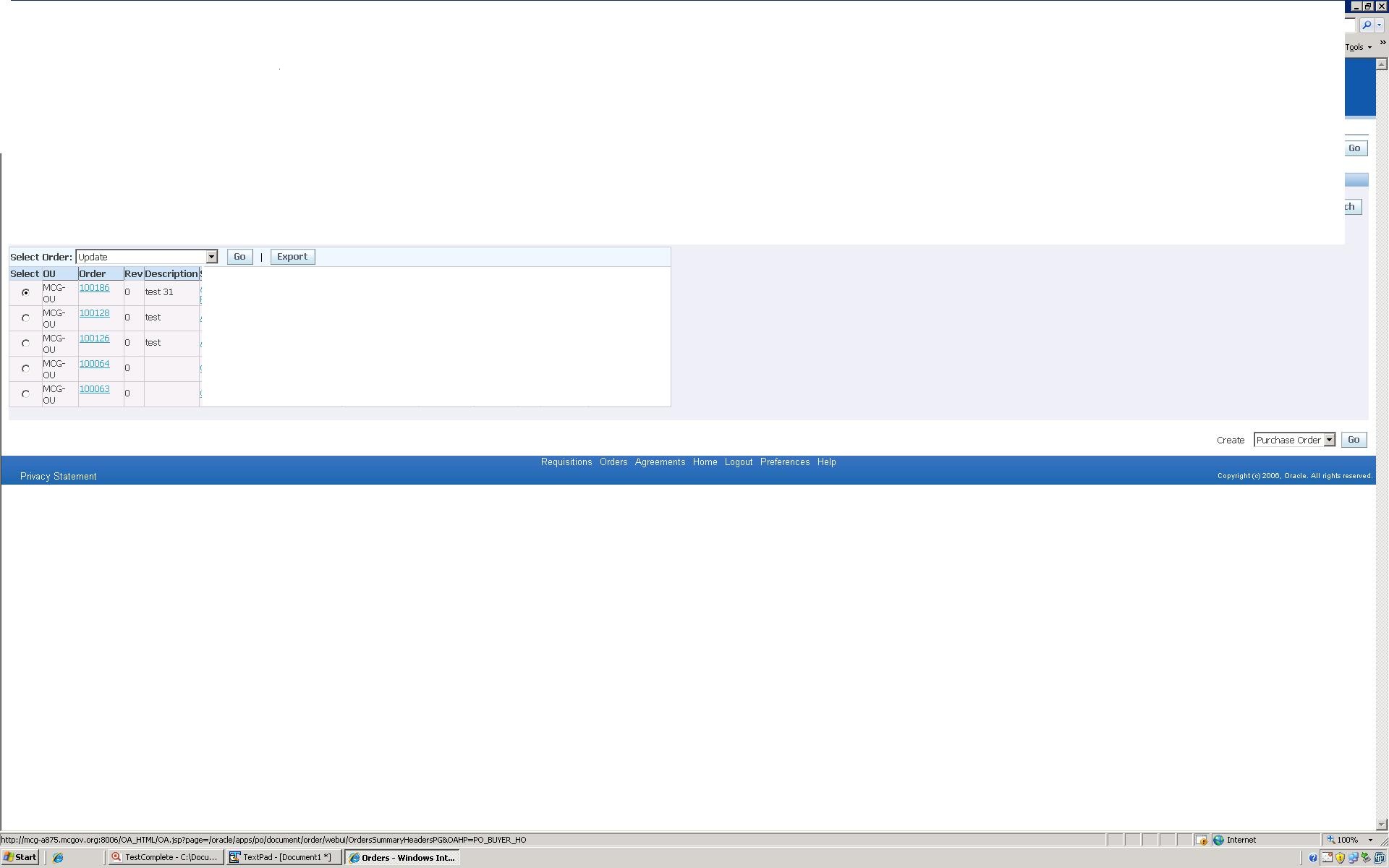
I have checked the all the options which you have mentioned. I have verified the advanced view properties also, but no properties are showing infomation about child objects related to that main window control.
My application is developed with the following controls.
1. Crystal Reports
2. Visual Studio 6
3. Visual Studio SP6
4. Infragistics
a. NetAdvantage41.exe
5. TextControl
We are interested to buy the TC product if you are can provide support(patch) for above controls.
Please let me know if you have any queries.
Thanks & Regards,
Nageswararao.P
Email: nageswararao.pagadala@shipnet.no - YMinaevHi,
In this case, try enabling MSAA for your control ('pvResultsPane') and check whether this exposes its children (see the "Using Microsoft Active Accessibility" help topic). If this doesn't help, you can try using Text Recognition (see the "Using Text Recognition Technology" help topic).