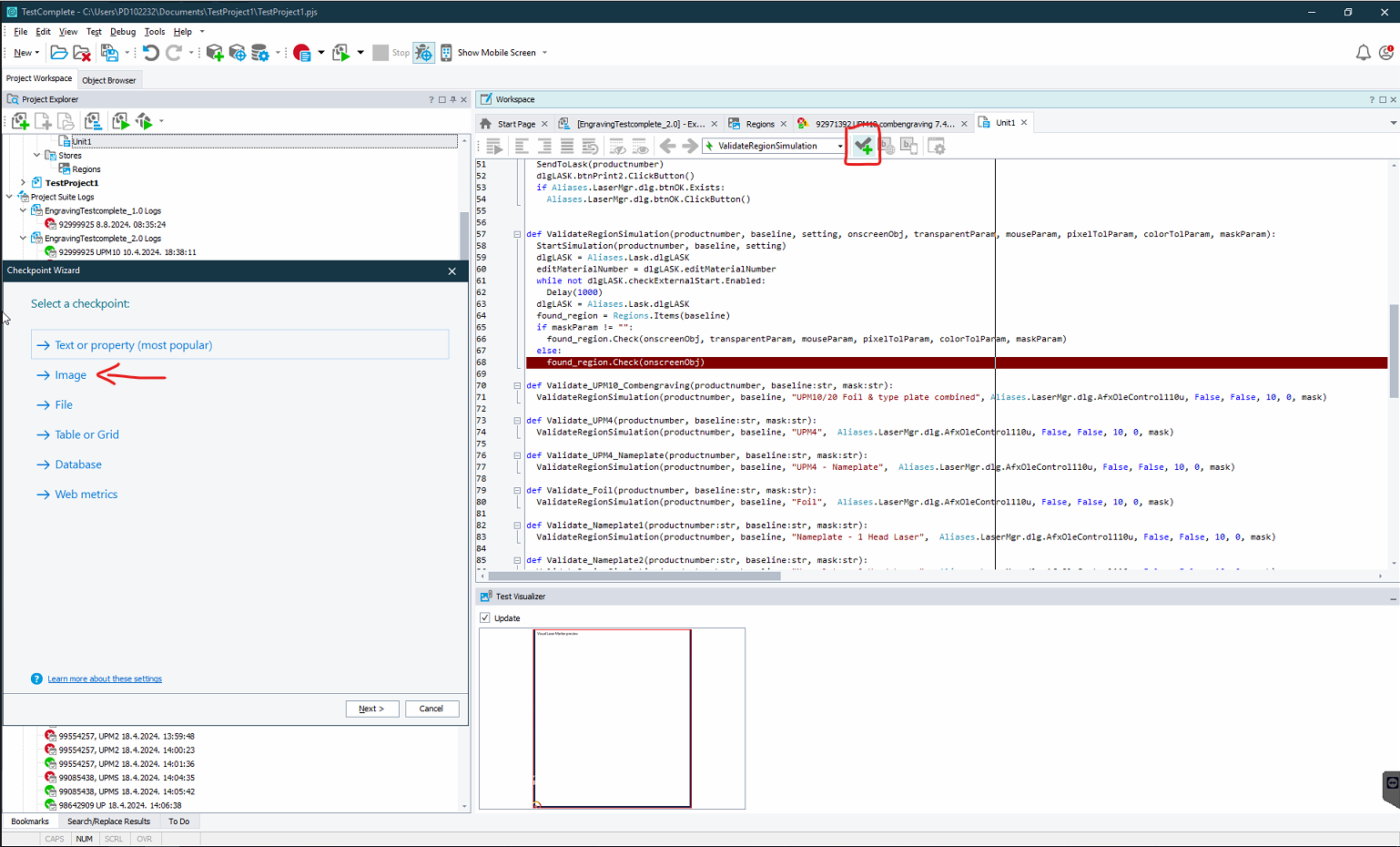
As the log message states "The size of the images is different" image comparison is tricky if your image is changing all the time https://support.smartbear.com/testcomplete/docs/testing-with/checkpoints/regions/factors-affecting-image-comparison.html
In the log, you are viewing the Details tab, click on the Picture tab to see the images difference. When you create the region checkpoint you can adjust the tolerance Checkpoint Wizard - Specifying Comparison Parameters (Region Checkpoints) | TestComplete Documentation
P.S. If you like my post give a like, and if it solved your problem mark it as a solution to give credit.