Forum Discussion


RUDOLF_BOTHMA
7 years agoCommunity Hero
This pseudo code might help identify if it is connections related
For DDT:
function OpenDriverObjectNoDisconnect(filename)
{
driverObj = DDT.CSVDriver(filename);
while(!driverObj.EOF())
{
//Do Stuff
driverObj.Next();
}

}

function OpenDriverObjectWithDisconnect(filename)
{
driverObj = DDT.CSVDriver(filename);
while(!driverObj.EOF())
{
//Do Stuff
driverObj.Next();
}
//This is the important one:
DDT.CloseDriver(driverObj.Name);
}

function Test()
{
for(vari=0;i<=100;i++)
{
 OpenDriverObjectWithDisconnect(yourfilename); //Shouldn't error
}

for(var i=0I;i<=100;i++)
{
 OpenDriverObjectNoDisconnect(yourfilename); //May error then you know it's connection related}
}
ADO equivalent:
function OpenConnection(DNSName, UserID, UserPassword)
{
  try
  {


      aCon = ADO.CreateConnection();
      // Sets up the connection parameters
      aCon.ConnectionString = "Provider=MSDASQL.1;Persist Security Info=False;" + "Data Source=" + DNSName +"; User ID=" + UserID + "; Password=" + UserPassword + ";";
      // Opens the connection
      aCon.Open();
      Common.LogMessageVerbose("Connection Opened");
return aCon;
  }
  catch(e)
  {
    //Error handling
return null;  }
}

function CloseConnection(connection)
{
  try
  {
    if(connection != null && connection.State != 0)
    {
    connection.Close();
    Common.LogMessageVerbose("Connection Closed");
    }
    return true;
  }
 catch(e)
  {
    return false;
  }
}


function Test()
{
for(var i=0;i<=100;i++)
{
connectionObj = OpenConnection(DNSName, UserID, UserPassword);
CloseConnection(connectionObj );
//This should work
}
for(var i=0;i<=100;i++)
{
connectionObj = OpenConnection(DNSName, UserID, UserPassword);
//If this fails, it's connection related}
}
 }
Stephane
7 years agoOccasional Contributor
Thank you for your suggestions.
Looking at the code more carefully. I noticed that the connections are being closed after each test runs.
I forgot that we also have connection to Excel and the code is closing both CSV and Excel connection after each test run through:
1. excelObj.Quit(); // Excel Object
2. Project.Variables.testCycleDetailsFile.Disconnect(); // this is the CSV file which has been declared as a project variables of DB table type.
Looks like im back to square one.
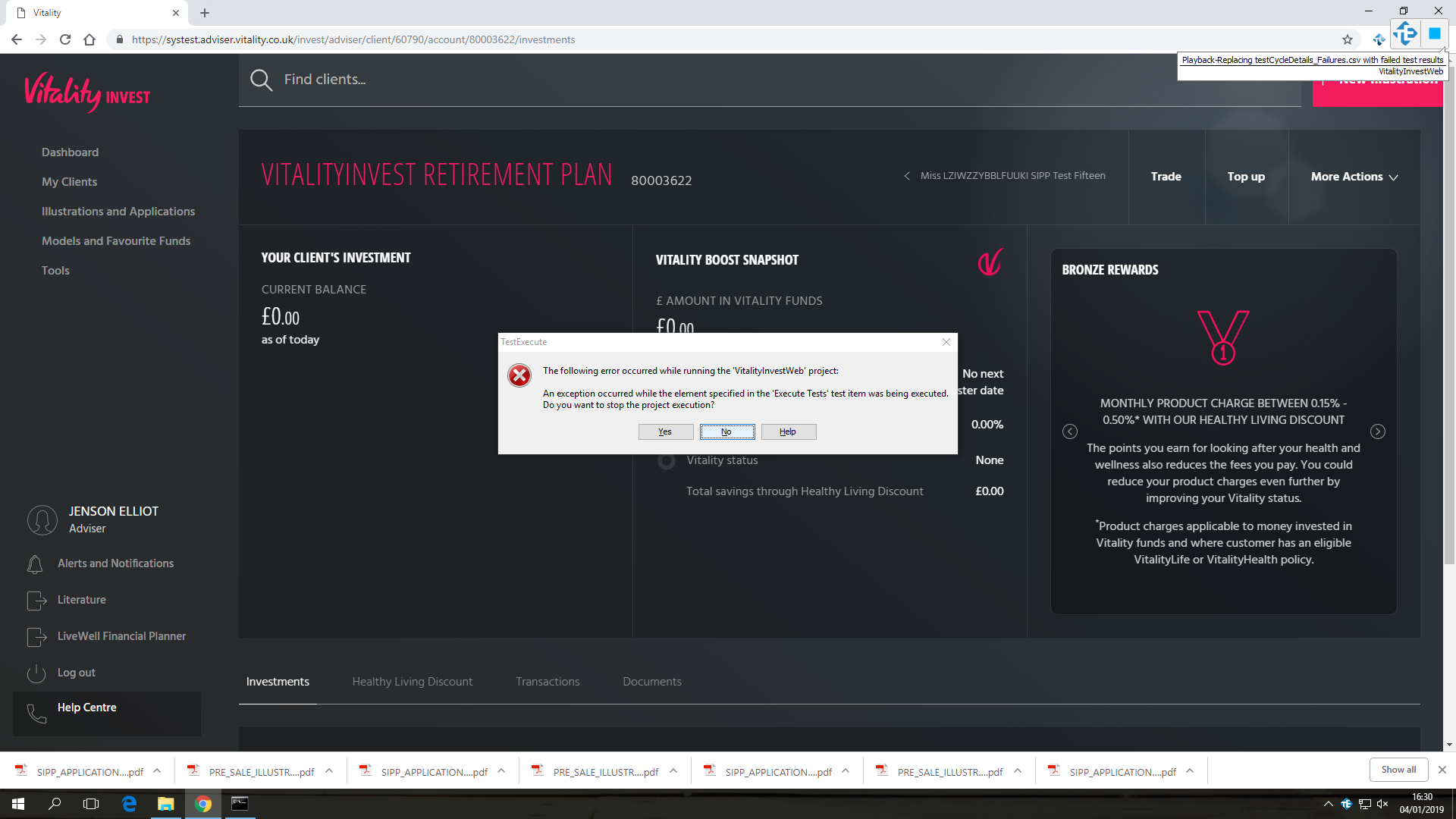
The issue is still intermittent where I ran 10 tests today. The same issue happened on scenario 6.
I ran the same 10 again and all tests have passed successfully.
- Marsha_R7 years ago
Champion Level 3
Well now we might hunt for the ever elusive Timing Error.
Just as a test, change the Delay between events, ms setting in here
to something longer than what you have now, maybe 5 or 10 times the current setting. This isn't what you'll want to run at normally, but if you can get through several executions at a slower speed without seeing the exception, then it's a clue.