Forum Discussion


varsha
9 years agoOccasional Contributor
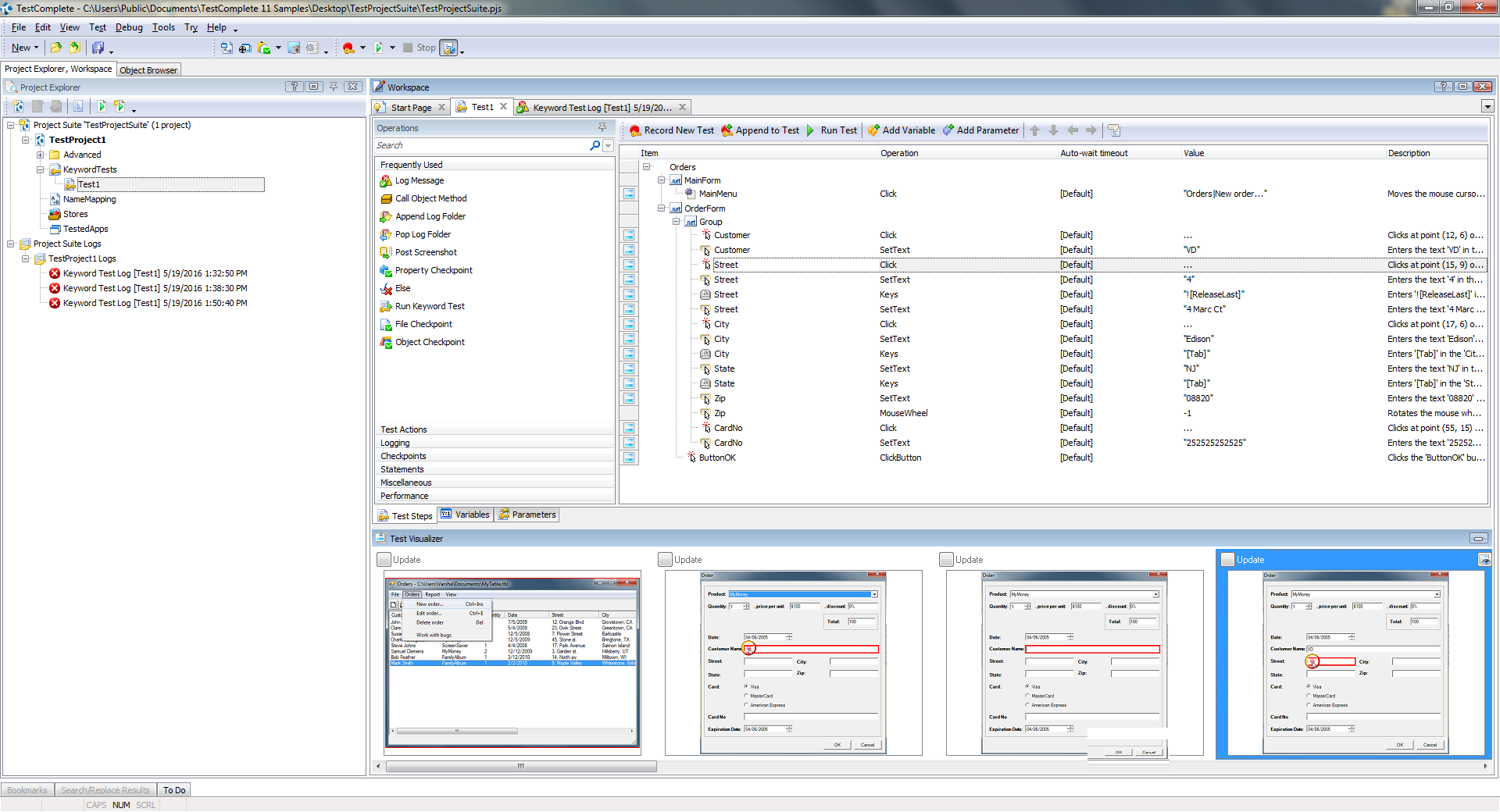
I have filled form correctly as shown in screen shot 1, where test visualizer recorded step by step
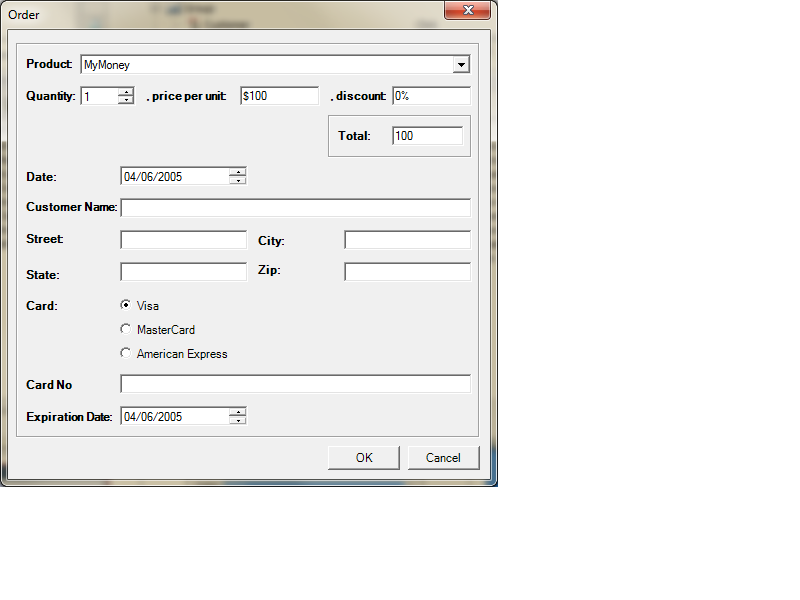
In screen shot 2- is while playing back this recorded test, form remains blank-entered data does not shown up
In Screen shot 3- is step failed detail and picture

Marsha_R Champion Level 3
9 years agoChampion Level 3I would use Keys instead of SetText for all your text fields. SetText turns out to be pretty unreliable for us.
 Colin_McCrae9 years agoCommunity Hero
^^^ This.
I never use SetText unless I have no other choice.
1. It's not what the user does. The user types. (aka - Keys)
2. It quite often fails to trigger in field validation and events.
Even using keys, some forms don't validate or store until you exit the field. So you may need to tab or exit out once you have keyed in data.
 joseph_michaud9 years ago
Staff
I think the test is fine. It looks more like the application has stopped responding. The test fails with the error "The window does not respond."
Anything on your machine that would affect the Orders app? Try reinstalling TestComplete and its Samples feature.
- tristaanogre9 years agoEsteemed Contributor
Also, make sure you're not trying to do stuff at the same time as TestComplete is executing the test. Clicking around on the screen, navigating other windows, etc., could cause any number of things in your test that would result in a failure.