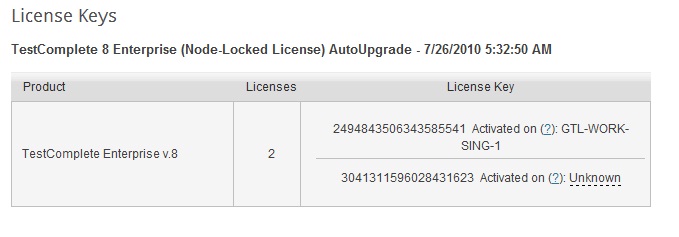
Hi Colin,
I suggest working via email to sort out the problem you have faced. Please use
our Contact Support form to contact us. Also, please provide us with the c2v file generated on the machine where you are trying to activate the license. It will help us understand the license state on your machine. Here are steps to generate a file:
1. Download
this utility and install it on the machine where the license was activated.
2. Launch the utility.
3. Click 'Collect Information' in the 'Collect Key Status Information' tab of the utility. This will invoke the Save File dialog box in which you need to specify the file to which the utility will save the license status information.
4. In the Save File dialog box, specify any file name (say, MyLicenses.c2v) and click Save.