Forum Discussion



AlexeyK Alumni
13 years agoAlumniBharadwaj,
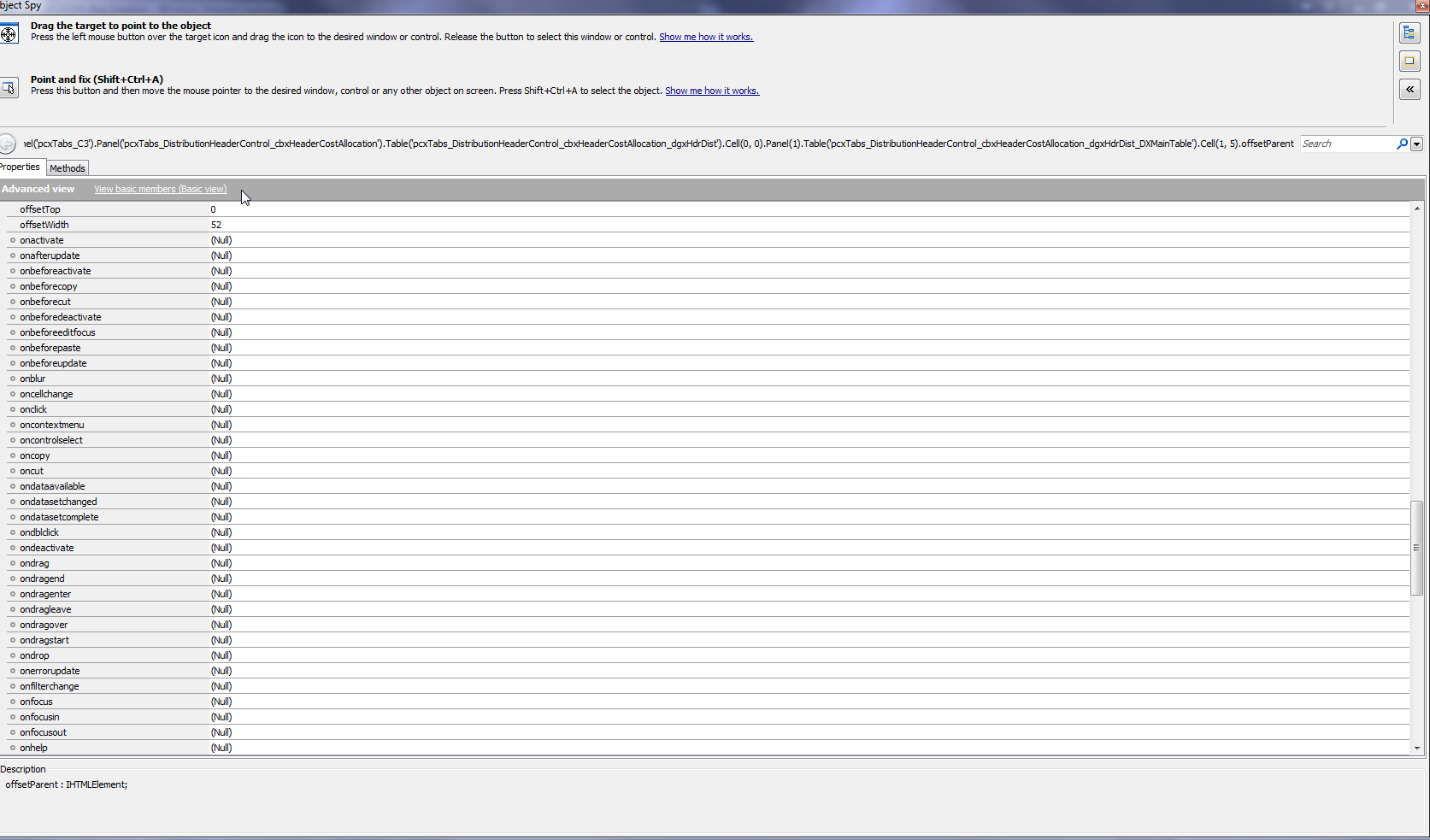
As far as I can see, your application is using a DevExpress ASPxGrdiView control. DX doesn't use check boxes in cells; the check boxes are drawn depending on the class of the internal SPAN element.
In this case, your current solution (checking the class name) seems most reasonable for me. I'd suggest using it and changing your tests when DX changes the grid control. You can create a list of acceptable classes and in your function that checks the class name, verify the class against several values.
I created a small sample app on my computer to investigate the situation. I checked the SPAN.currentStyle.backgroundImage property to see if it depends on the class name. Unfortunately, DX uses the same image - url(/DXR.axd?r=1_29-dB_U4) - for both selected and clean check boxes, so the image name does not help. They use different SPAN.currentStyle.backgroundPositionX property values: -56px for checked boxes, and -41px for unchecked boxes. However, I would not recommend using this property for the check as they can change it along with the class name.
One possible alternative is to obtain the image of the needed cell with the Picture method and then search for the checked or unchecked box within this image. However, searching the images will take more time than checking the class names. So, again, I'd consider checking the class name...
>> This approach is increasing our reliability on devx naming and we are asked not to rely on this by devx as there will be changes in its styling in every release of devx patches. <<
Interesting answer. :-) Did they recommend another approach?