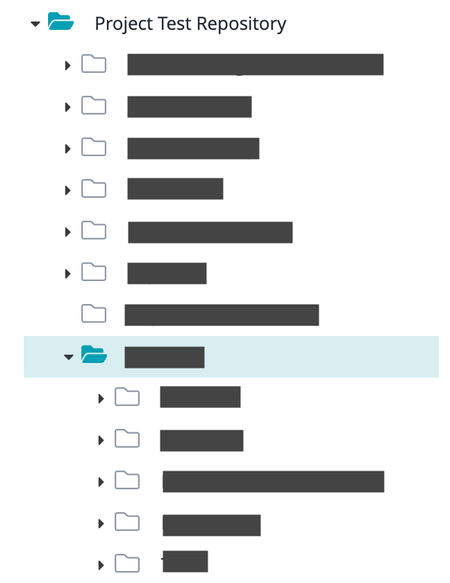
ContributionsMost RecentMost LikesSolutionsImprove usability and performances in folder views When you are navigating the folder structure, every time that you expand a folder, Zephyr make a call to load the first level under the selected folder and it redraws the entire tree or at least it changes the position of the list, making very difficult to work with folders. Sometimes the folder is empty and you lost time and focus on what you are doing. Is it possible to improve the usability of those views? The folders tree should not move after that a node is expanded If a folder has not subfolders should not have the expansion triangle at the left (from the beginning because if you try to expand a folder and it's empty the triangle disappears) Make the expansion of the tree structure faster This is not only in requirements or test repository trees but it's the same for every tree in the application. Thanks Re: Breadcrumb trail when viewing test case Yes, for us is fundamental to see the location of a test case. Unfortunately, I've seen that this information is different when you share a test case with project test repository and a release: if you open the test case from the project test repository it shows the path in project test repository while if you open it in a release it shows the path in the release. This is a bit confusing... Allow more actions in search view for test repository and requirements areas When you search for a test, is not possible to do anything, except from exporting. While, it would be desirable to have the same actions you have in the folder view plus the possibility to move search results in a specific folder, for instance, for search results in project folder to the release folder. This is very important when there are more test cases that you need to include in a release because are related features that need to be checked.