TestComplete 15.77 is broken - dont upgrade
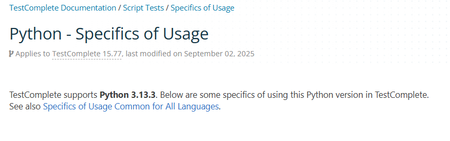


We use python version 3.10 and have test complete version 15.78.12. all our python scripts were failing as test complete attempts to find 3.13 and can't get to our python version. We are using the workaround where we update the Python directory name in smart bear folder and it worked.
Does the latest test complete version would allow us to use old python version 3.10?

I have upgraded to version 15.80, it works flawlessly.

I am 15.80.1.7 and it still can't seem to find scripts outside of the current project.

 Champion Level 3
What is the actual problem you are having issues with?
Everything is clearly explained in the documentation of Working with TestComplete Global Objects in Python 3.13
I can't get anything to work when the files are linked into the project vs. the files are local to the project. For example, this is a simple keyword test that works:
However, when I change things to reference Common, which is linked in from another project under the same Project Suite thusly:
I get the following error:
I even tried it using a Python-only test and go the same results:
I'm sorry if this is a simple problem, but I'm just not grokking how this should be done. I would think that having a common global library of scripts should be a fairly common practice and this should probably be specified a bit more clearly in the documentation.
I found this too :/