Forum Discussion


JackSparrow
10 years agoFrequent Contributor

Colin_McCrae
10 years agoCommunity Hero
Right.
I suspect that is a custom class version of a TPageControl object.
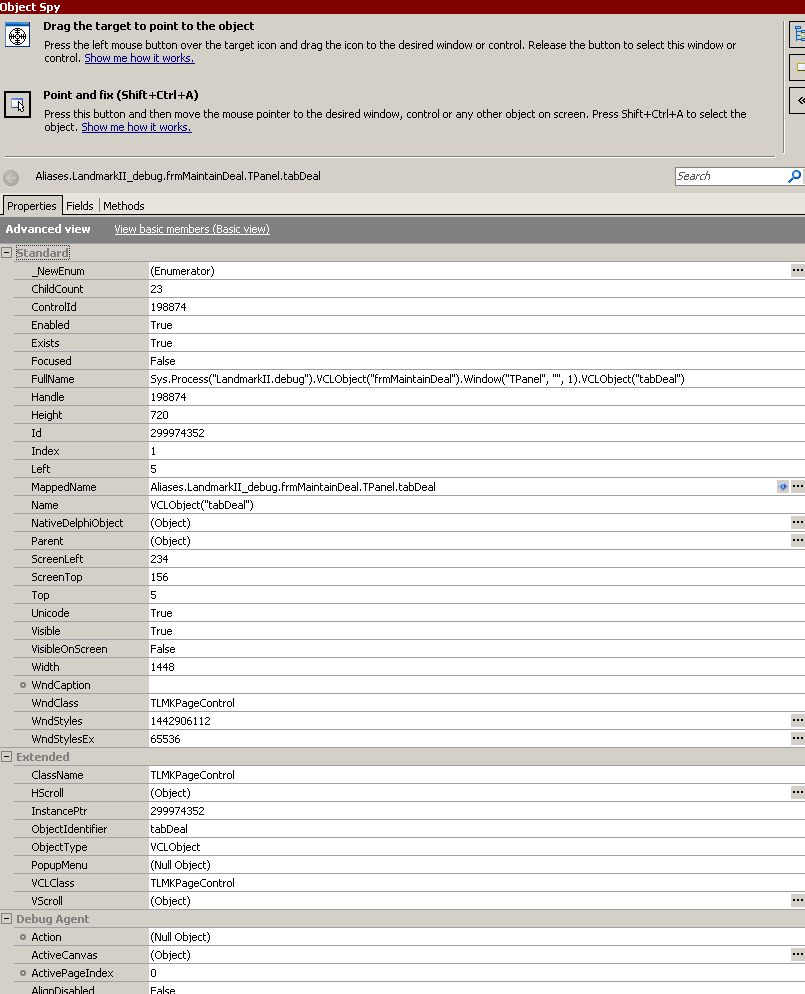
It's class name is "TLMKPageControl". Looks suspiciously similar. It also has 23 child objects. Do you have 23 potential tabs in there? And does this object have methods such as "SetActivePage" if you associate it with the "TPageControl" class?
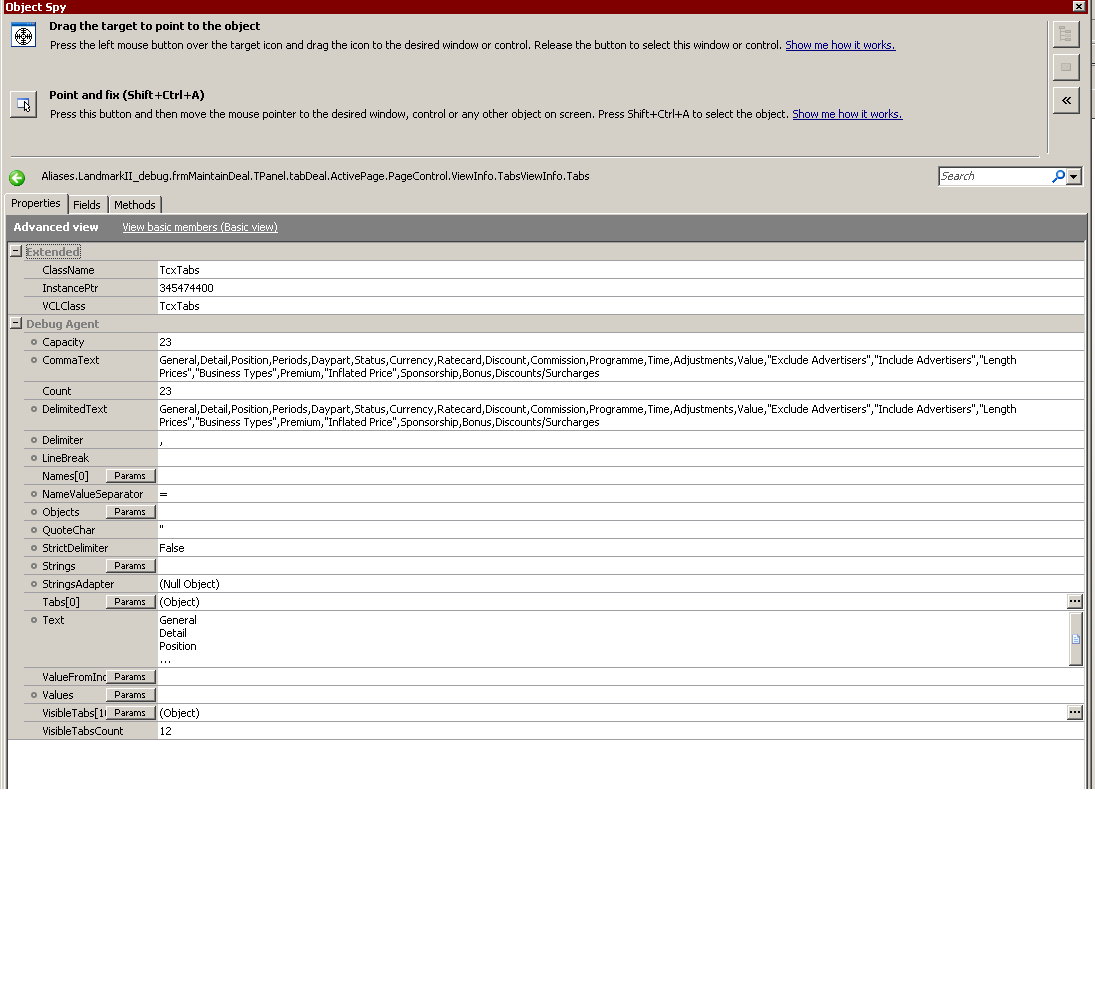
If it's a TPageControl, it should also have a Field "FTabs". This, in turn, should have a property "Text" which contains a list of all the tabs within the controller.
My application is compiled with debug info available. I'm not 100% certain these fields and properties will be present without this. But hopefully they are.
- JackSparrow10 years agoFrequent Contributor
hi Colin_McCrae
I have found where all the tab names are present , kindly check the screenshot attached so , now what is the next thing I can do here as you mentioned earlier
- Colin_McCrae10 years agoCommunity Hero
In my case, I take the "Text" property (visible in your screenshot). Split it out into an array. Check the tab requested is valid by looking for a text match within the array. Then using the index number in the array (remember it when you find a match), I use that in the "SetActivePageIndex(<NUMBER>)" method of the TPageControl. This activates the requested tab for me.
I just tried "SetActivePage" and "UpdateActivePage" using the tab name (again, these are methods of the TPageControl) and nothing happened. Maybe that's down to how the devs here have set the controls up, I don't know. As I validate first, it doesn't matter.
However, if I use the ClickTab method of the TPageControl, using the tab caption as the parameter, so - ClickTab("<TAB_NAME>"), that works just fine too.
So it's up to you. Validate the tab name first, or just click it. But I suspect an invalid tab name will throw and error (or do nothing - one of the two). So it depends how much control you have over the tab selection names. Mine are user populated so validation first is a must. (It also makes for WAY more useful log messages ...)