Forum Discussion


Marsha_R Champion Level 3
10 years agoChampion Level 3Use Object Spy on that same box and let's see the properties that it gives you.
 Prerna_Patil10 years agoNew Contributor
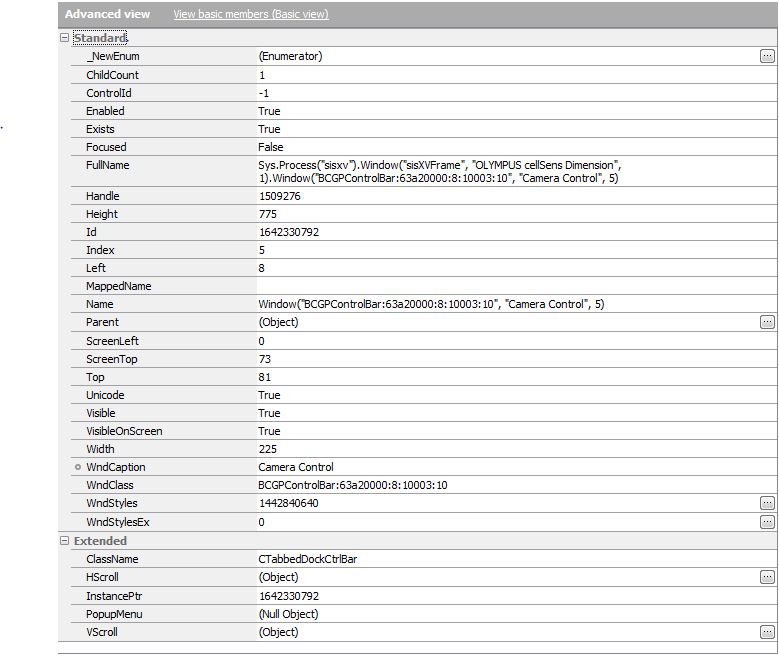
Thank you for the response. Please find the attached screen shots for properties and methods.
- Marsha_R10 years ago
Look on the properties screen at the Parent line. Click on the box with the three dots at the right. You're looking for an index or something similar that will let you access the separate areas of that button.
 Ravik10 years agoSuper Contributor
Hi,
Try below code it may help you.
objChildForm.WinFormsObject("btnClose").Click
An alternative you can use for closing child window "Close" method.
Your code may like -
Sys.Process("xyx").WinFormsObject("xxxxx").Close