Forum Discussion


SmartBear_Suppo Alumni
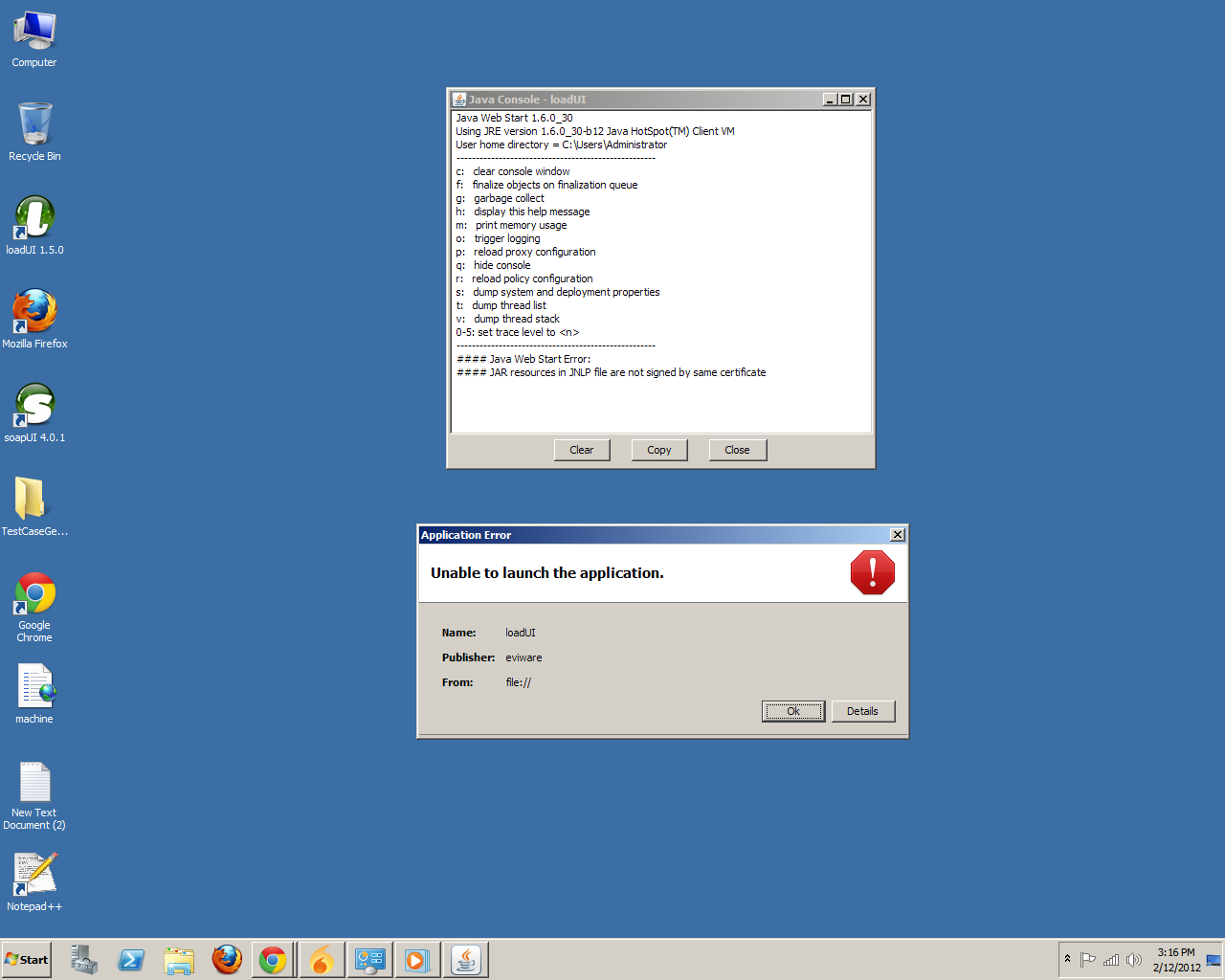
14 years agoAlumniAnyone still having these issues, please try following these exact steps, they seem to work the best:
1. In a file browser, browse to the loadUI installation directory.
2. In this directory find and open the "jre" directory, then the "bin" directory inside of it.
3. Double-click on the javacpl.exe file to launch the Java Control Panel. If Windows asks you for permission to launch it, allow the application.
4. Click on the "View..." button in the "Temporary Internet Files" section.
5. In the "Show" dropdown, go through all of the views and for each view, select all items in the table, and delete them by pressing the red X button.
6. Once done, click on "Close", then "OK". Again, if Windows prompts you for permission, allow it.
Regards,
Dain
SmartBear Software
1. In a file browser, browse to the loadUI installation directory.
2. In this directory find and open the "jre" directory, then the "bin" directory inside of it.
3. Double-click on the javacpl.exe file to launch the Java Control Panel. If Windows asks you for permission to launch it, allow the application.
4. Click on the "View..." button in the "Temporary Internet Files" section.
5. In the "Show" dropdown, go through all of the views and for each view, select all items in the table, and delete them by pressing the red X button.
6. Once done, click on "Close", then "OK". Again, if Windows prompts you for permission, allow it.
Regards,
Dain
SmartBear Software