Forum Discussion


SmartBear_Suppo Alumni
14 years agoAlumniHi!
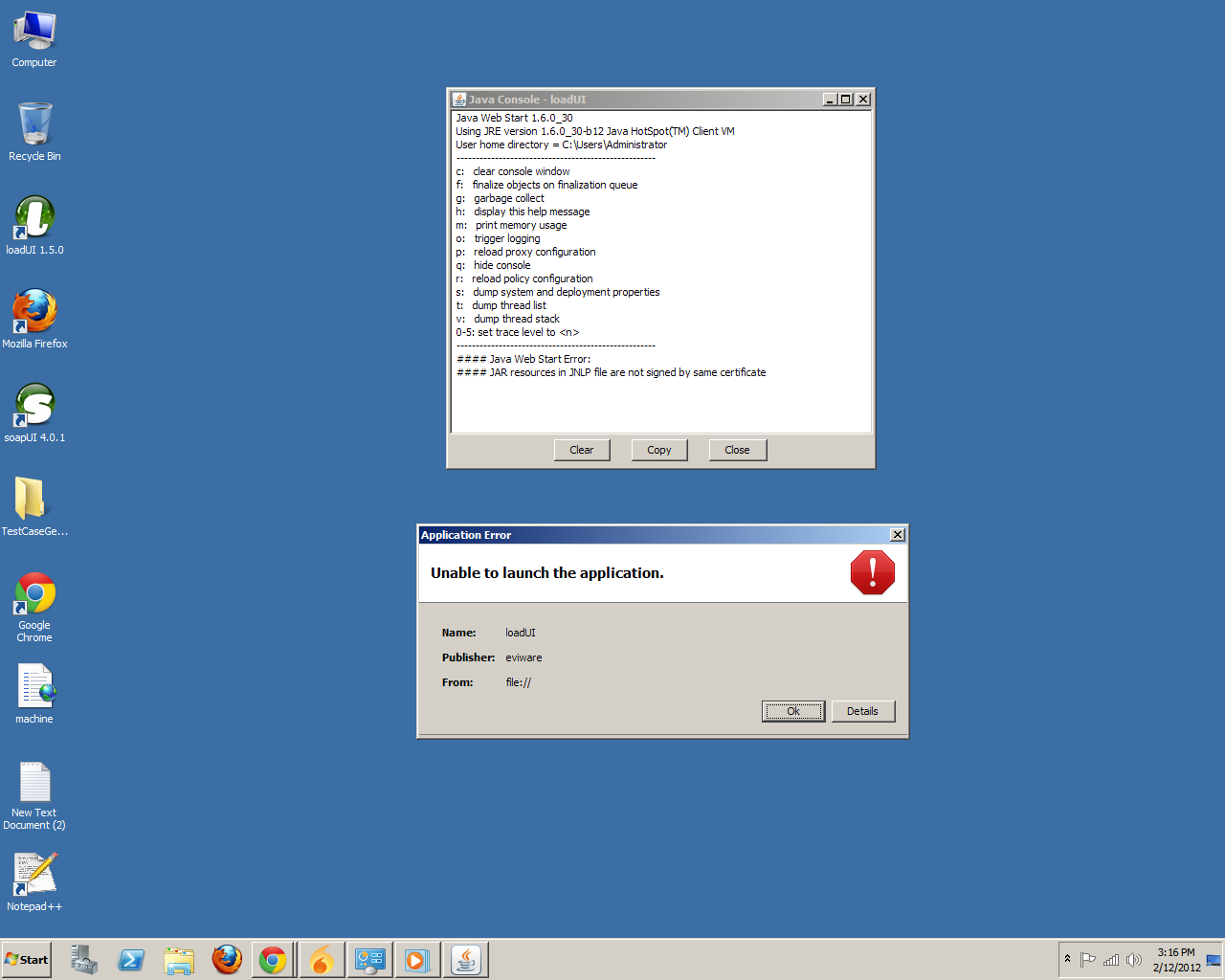
We believe that doing this will fix the problem:
1. In a command line, enter these commands:
[list=a:xgm7z6nl]
javaws -uninstall
javaws -clearcache
2. From the Control Panel, open Java.
3. In the Security tab, click Certificates.... Remove all Trusted Certificates. Then close this dialog.
4. Just to be sure:
[list=a:xgm7z6nl]
Also go to the General tab, click Settings..., then Delete Files..., check all items and click OK.
Click Apply and then View....
Make sure that the list is empty for all views (use the dropdown in the upper-left corner to change views). If there are items left, remove them by selecting them and clicking the red X.
5. Reinstall loadUI.
Please let us know if this works for you!
Thank you for your patience
Henrik
SmartBear Software
We believe that doing this will fix the problem:
1. In a command line, enter these commands:
[list=a:xgm7z6nl]
2. From the Control Panel, open Java.
3. In the Security tab, click Certificates.... Remove all Trusted Certificates. Then close this dialog.
4. Just to be sure:
[list=a:xgm7z6nl]
5. Reinstall loadUI.
Please let us know if this works for you!
Thank you for your patience
Henrik
SmartBear Software