Dont See a Folders Tab in the Test Management Area
In one of my projects, when I navigate to the Test Management tab, and click on Test Library, I dont see a Folders tab on the left side under Project. Anyone know how to enable the Folders tab?
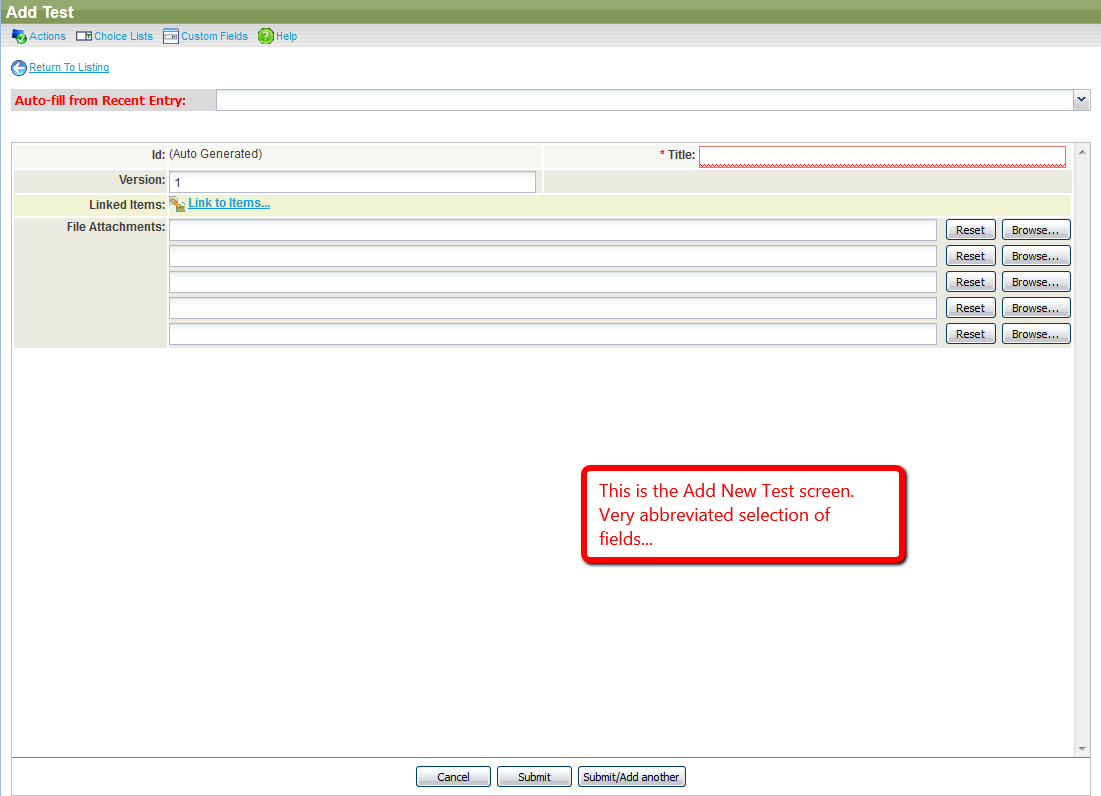
I should probably also mention, when attempting to add a new test via the Test Management tab, I am presented with a very abbreviated list of fields. See attached image.