Forum Discussion

3 Replies
Replies have been turned off for this discussion
 danieljoan123Not applicable
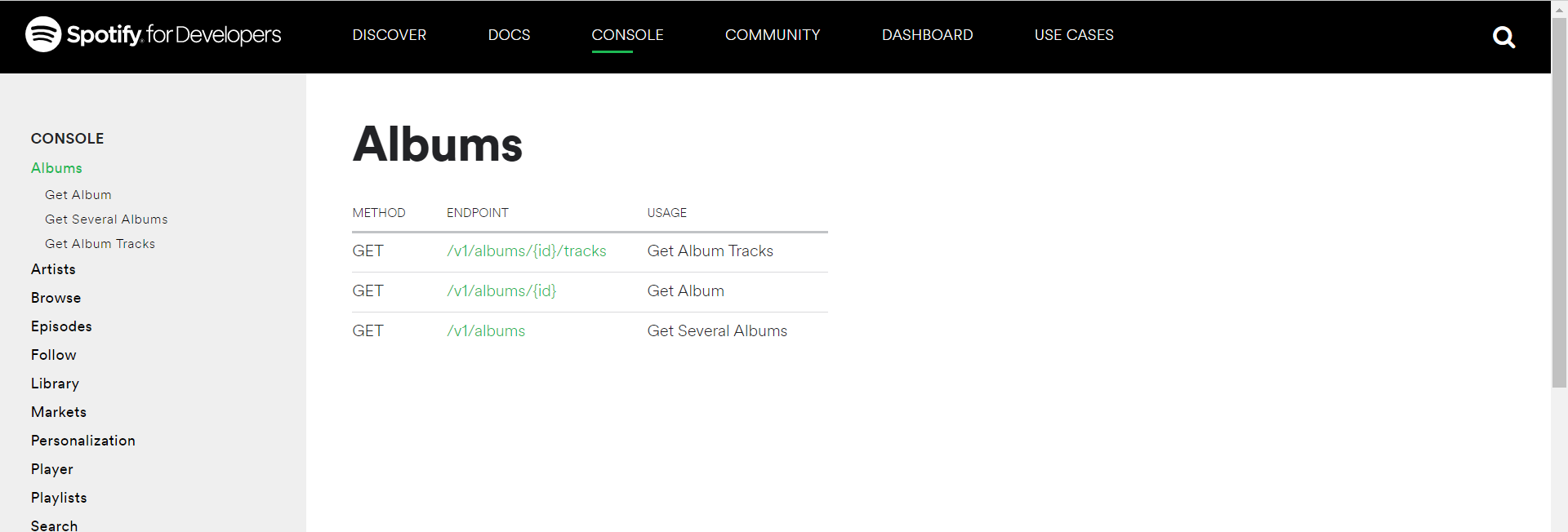
You can customize your Swagger UI similar to the Spotify web console by using React components for a more tailored and interactive interface. Consider using libraries like React-Query or Axios for API calls, and style the components to match Spotify’s minimalistic look. For reference, you can check out Spotify's official API console here. Also, for an enhanced experience on mobile, you can explore Spotify Premium iOS for additional features.
 NathenAdamsNew Contributor
How does this work on Spotify Apk?
 jerry93Occasional Contributor
danieljoan123 wrote:
You can customize your Swagger UI similar to the Spotify web console by using React components for a more tailored and interactive interface. Consider using libraries like React-Query or Axios for API calls, and style the components to match Spotify’s minimalistic look. For reference, you can check out Spotify's official API console here. Also, for an enhanced experience on mobile, you can explore Spotify Premium for additional features.
You are right. I tried it.