Forum Discussion


nmrao
9 years agoCommunity Hero
What is your use case?
You can write a groovy script to achieve the same.
You can write a groovy script to achieve the same.

xikandar
9 years agoOccasional Contributor
All test cases writing in my Test Suite are executed one by one. Once all test cases are executed, my use case is then completed.
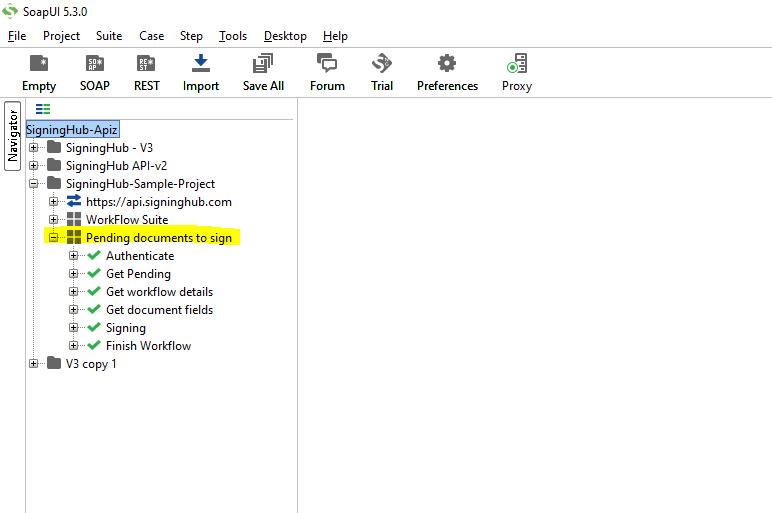
Let me elaborate, I have 10 Pending documents to sign, so I wrote these test cases in a test suite:
1- First, I get authentication token
2- Then I get pending document
3- Then get document Id
4- At this case I get field name, which is to be electronically sign
5- I Sign the field
6- I finish my workflow..
When I run my test case it is executed once in SoapUI or even in Pro.. that's ok. but now I want to repeat this Test Suite execution 9 more time. Currently I have to do it manually by clicking the Run button, but I want to do it via loop.
I have searched but couldn't fine how to loop a test suite, I mean I can't get how to loop on test suite...
this is what I am looking for.. a clue or tip in groovy script..
- nmrao9 years agoCommunity HeroFor me, the sequence of steps seem to be just one test case. If so, then put them in test case, and add a load test step by right click on the test case. Load test allows different strategies, choose n number of runs.
- xikandar9 years agoOccasional Contributor
OK thanks.. will try