Forum Discussion


Mason
16 years agoFrequent Contributor
Attachments described in order:
1) Right-click on step, select "Clone Test Steps"
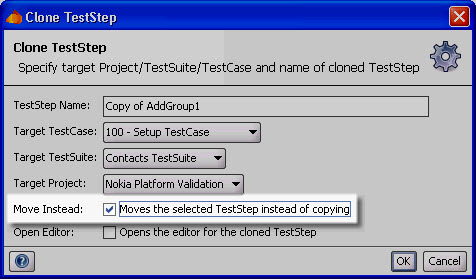
2) Check checkbox "Moves the selected Test Step instead of Copying"
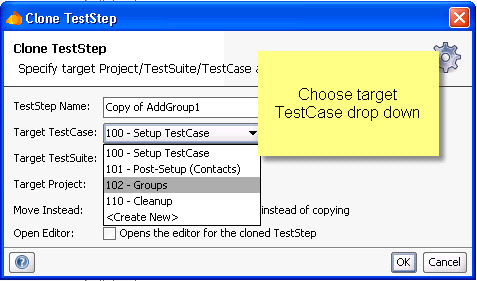
3) Choose target Test Case from drop down menu
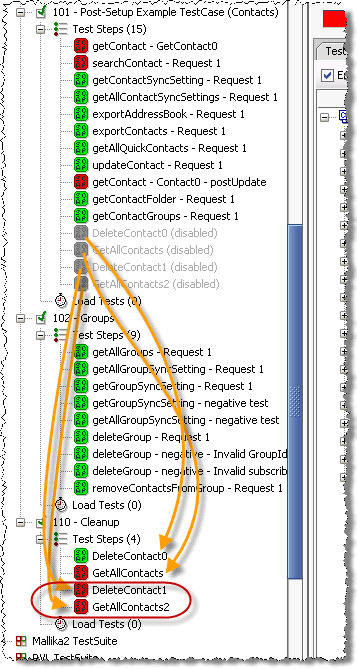
4) Click Ok
1) Right-click on step, select "Clone Test Steps"
2) Check checkbox "Moves the selected Test Step instead of Copying"
3) Choose target Test Case from drop down menu
4) Click Ok