Forum Discussion


SmartBear_Suppo Alumni
13 years agoAlumniHi,
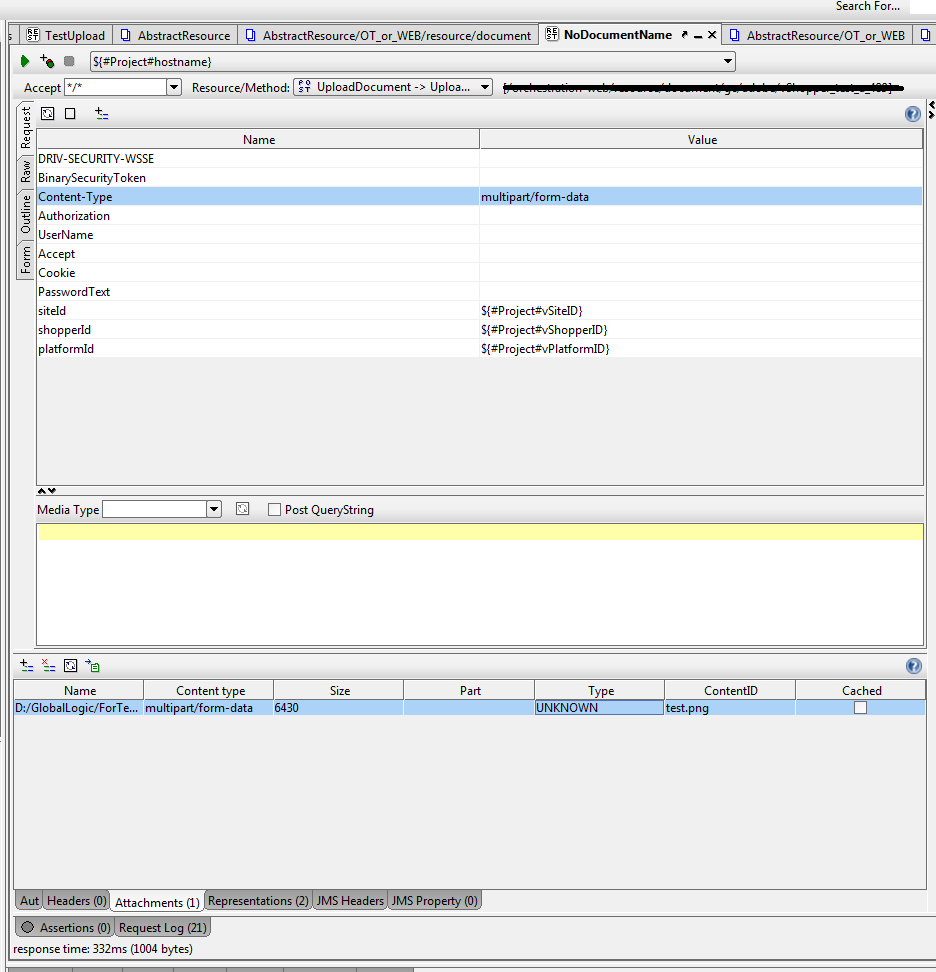
To attach a file to a REST Request in SoapUI all you need to do is set the request method to POST, the media type to "multipart/form-data" and select the attachments you want to add in the Attachments tab.
The "Post QueryString" checkbox should only be checked if you want to send query parameters in the body instead of URL, but then you will not send out any attachments.
Please refer to the documentation at:
http://www.soapui.org/REST-Testing/unde ... eters.html
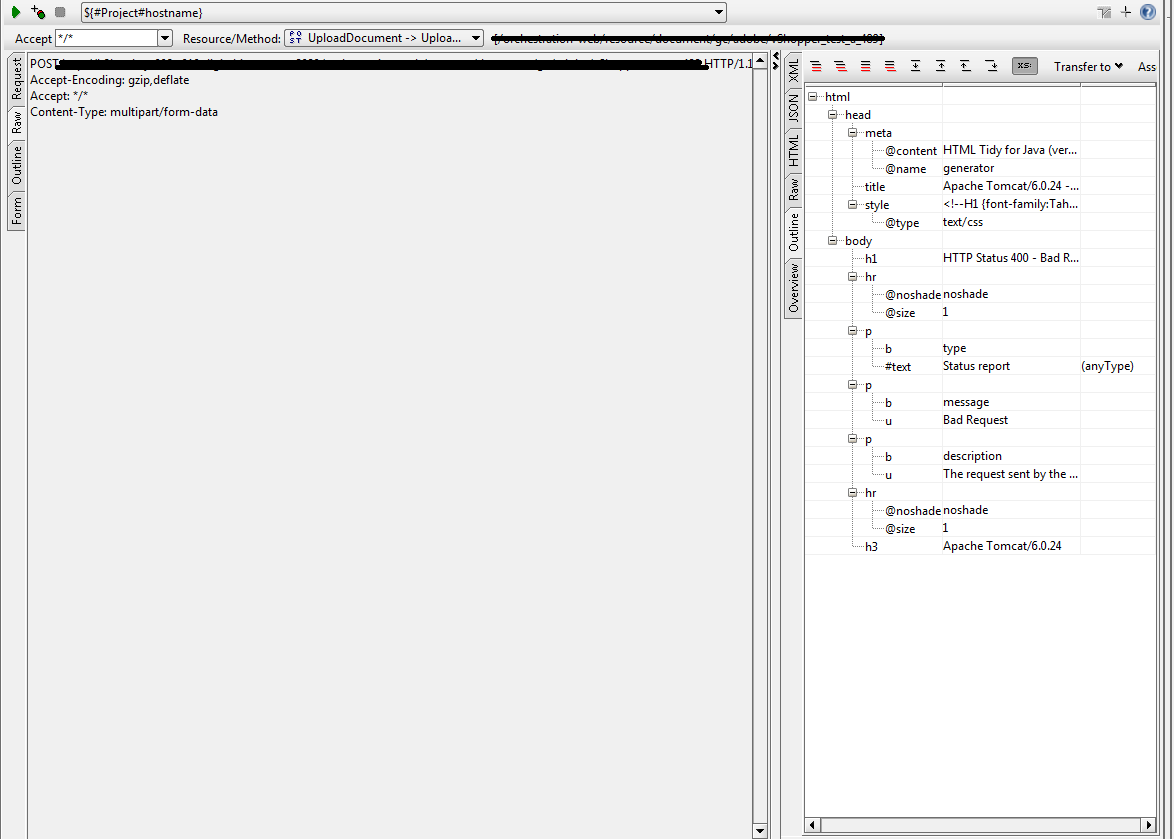
Also notice that if your server returns a 500 code (Internal Server Error: http://www.checkupdown.com/status/E500.html), it does not necessarily mean that SoapUI did not generate the correct request (check the full request in the "http log" tab)... you will have to look at the server log to see what has happened there. It may be something like the "Accept" header was not set correctly for example.
Regards,
Renato
SmartBear Software
To attach a file to a REST Request in SoapUI all you need to do is set the request method to POST, the media type to "multipart/form-data" and select the attachments you want to add in the Attachments tab.
The "Post QueryString" checkbox should only be checked if you want to send query parameters in the body instead of URL, but then you will not send out any attachments.
Please refer to the documentation at:
http://www.soapui.org/REST-Testing/unde ... eters.html
Also notice that if your server returns a 500 code (Internal Server Error: http://www.checkupdown.com/status/E500.html), it does not necessarily mean that SoapUI did not generate the correct request (check the full request in the "http log" tab)... you will have to look at the server log to see what has happened there. It may be something like the "Accept" header was not set correctly for example.
Regards,
Renato
SmartBear Software