Forum Discussion


SarahS Staff
Staff
4 years agoStaffHi Rahul,
If you're using the route and record function you may want to add a SOAP Request test step to a test case. So when you do route and recording in your virtual API you're actually making a request to record from.
For adding the SOAP Request you should first add the SOAP API to your project file. Click on the API section, choose Import API Definition. In the window that pops up, go to the URL tab and enter the endpoint URL in the Source text box.
From here you can build a test case that contains your SOAP requests. While your Virt is running, send your request in your test case and if everything is set up correctly it should record.
If I'm on track so far you can take a look at the screenshots below that go over the recording process. In this example I've created a virt from a Empty SOAP type, then imported the URL into my project file and created a test case containing a SOAP request with this API. If you want to replicate this I'm using a SOAP API found at https://www.learnwebservices.com/services/tempconverter
Started with an empty virt that points to the URL endpoint.
While your virt is running and in record mode, send the request in your functional test case. Be sure that endpoint here is pointing to your virt.
After sending the request the action should appear in your virt with an outgoing response recorded.
After disabling recording and setting routing to None, you can edit the recorded responses.
 rahuldutta4 years agoOccasional Contributor
Hi,
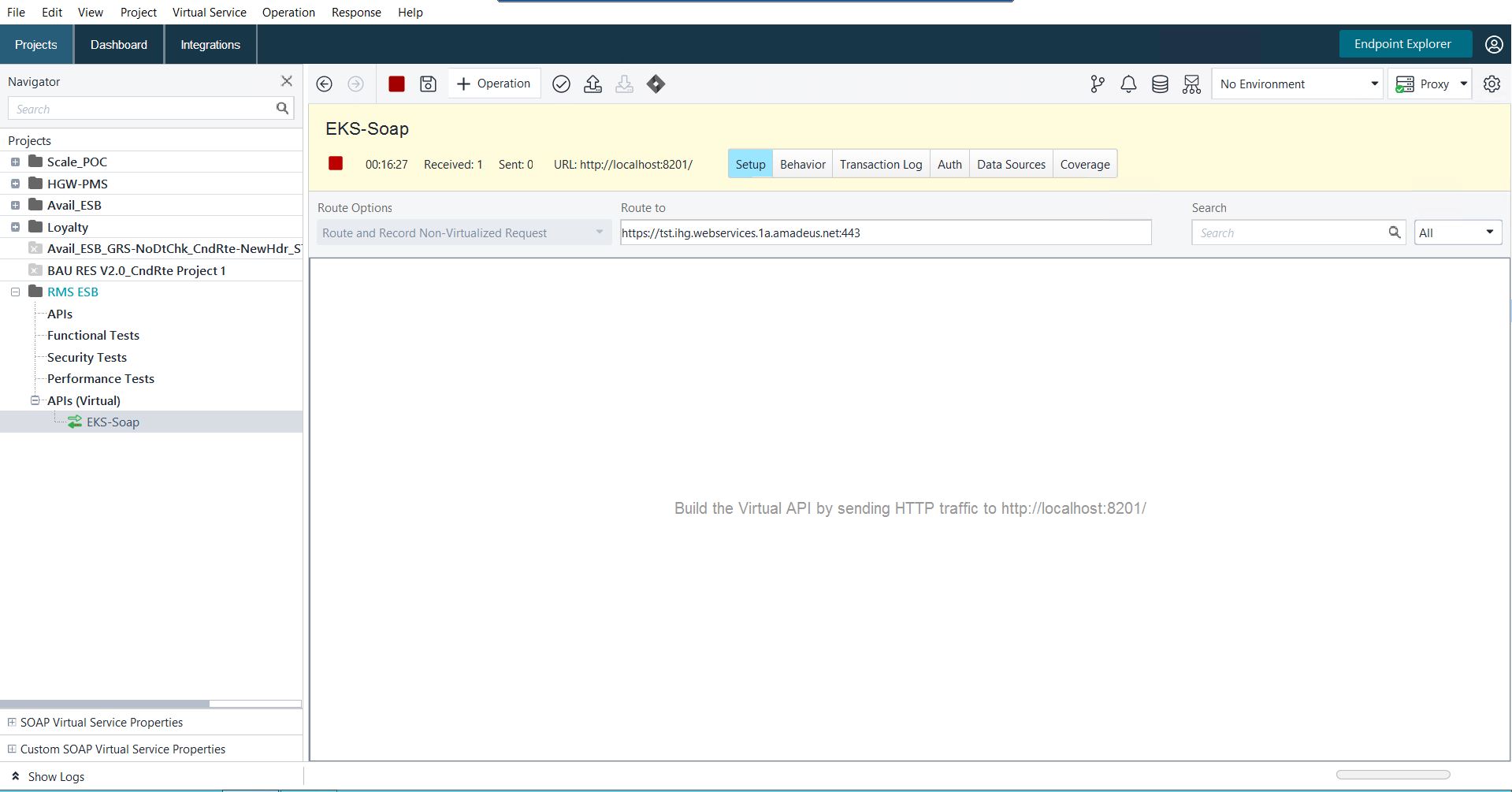
Thanks for your response. We already have a separate client application sending the SOAP requests to the mock endpoint which I am trying to route to the live service so that I can record and configure. We are actually trying to mock the SOAP calls to a 3rd party system by having the mock in between and configuring a live passthrough. I am not seeing any operations getting recorded when the requests are being sent to the mock. Just seeing Received count getting incremented but no transaction logs updated.