We are building a new experience for our SmartBear Community.
This site is now read-only. You can still browse and search as usual. Learn More
This site is now read-only. You can still browse and search as usual. Learn More


I found a solution to the Google Maps authentication thanks to the SOAPUI Cookbook (kudos to you Rupert). The issue I was having was that I was using the template Google Maps REST call that I got as a packaged download. It was a great introduction to Google; however, as a package, it did not allow for additional fields to be added.
To solve the problem, I created a new REST call using the APIs that were part of the download package. With the newly created REST call, it was easy to add the necessary additional fields including one for "key". Hope this helps someone else who downloads the Google Maps API package and hits a wall with authentication.
-Will

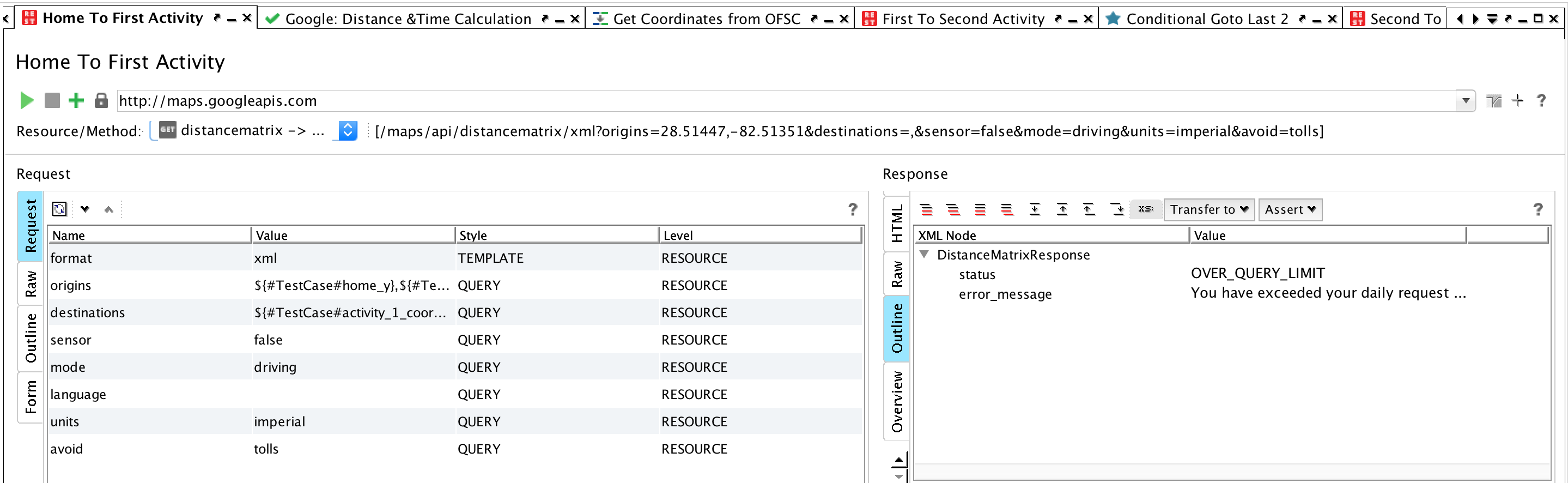
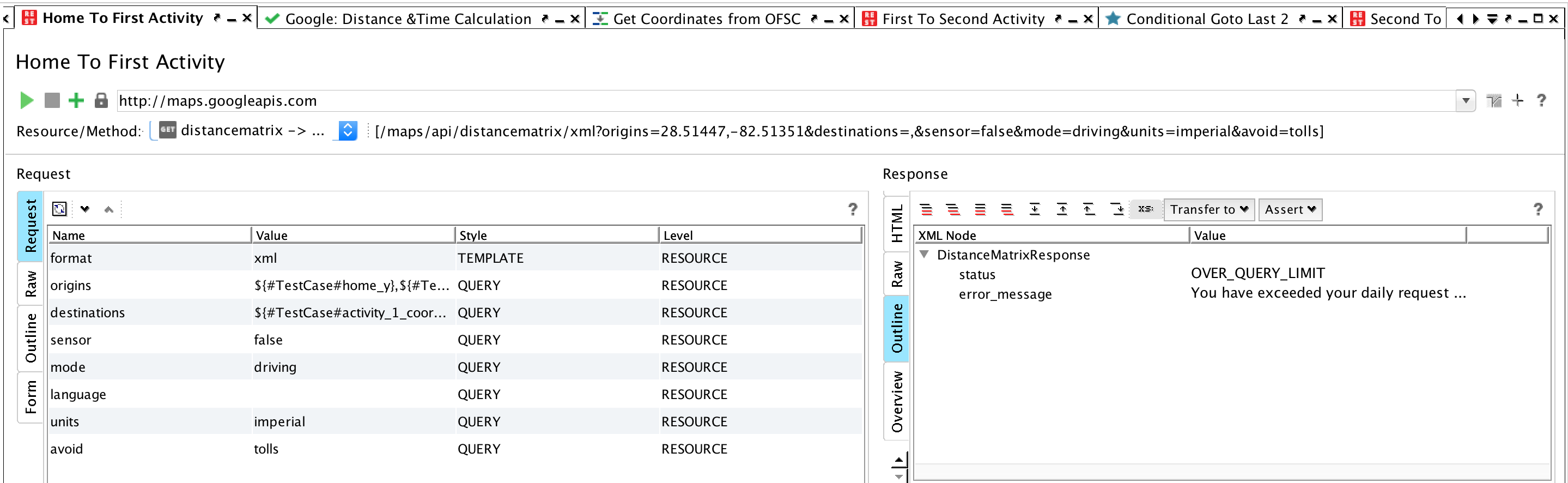
Yes I have seen this, thank you, it's a great piece. However, the response field is a bit different than the one in the example and that's where I'm stuck. I don't see a way to add a custom property that includes the key as this tutorial (#7) shows. It's like "a miracle occurs" in step 3 of part 7.
I do believe that I'm doing something dumb. That's usually the case-I am very experienced in dumb things. You can see what I get in the response field (nothing that can be added there) and that I have exceeded quota. I've got a license key from Google and I can use it properly in a browser URL...I just can't find a way to shove that key into the end of the REST call.
Thanks again,
Will
Thank you for looking. Yes, exactly, this is the problem.
The problem is I need to build a little demo that will run through several thousand calls...I will exceed what the daily limit allows.
I set up an account and have my API key from Google. I can use this API key with a browser and it works.
Last step (and the one I need help with) is to get it added into the SOAP UI call. Google will charge my credit card. That's all fine...but I do need to be able to hit many, many times the volume allowed by the daily limit.
The guidance from the SmartBear page almost gets me there... The difference between that page and my environment is in the property for the KEY. That's the hole...if I could append my call from SOAP UI Pro with that key that works in the browser then I'd be solid.
Thank you again for your time and for looking at the screen shots and sharing the link. This is 98% of the way there I think...I'm just missing a way to append the call with the API KEY.
Thoughts appreciated,
Will